Why Does My Phone Get Hot When Charging? (Causes, Risks & Real Fixes)
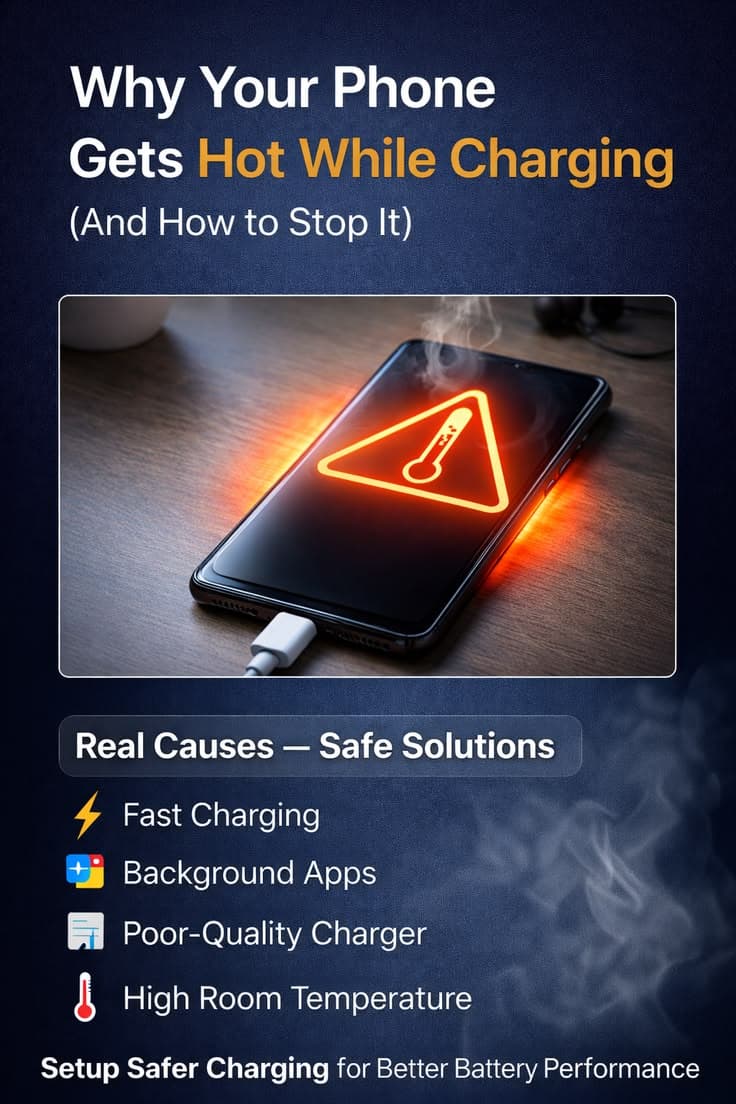
Table of Contents
- 1. Overcharging Your Phone
- 2. Fast Charging
- 3. Poor Ventilation Around the Device
- 4. Low-Quality or Incompatible Chargers and Cables
- 5. Using Your Phone While It's Charging
- 6. An Aging or Degraded Battery
- Permanent Battery Damage
- Accelerated Wear on Internal Components
- Reduced Charging Efficiency
- Sluggish Performance and Freezing
- 1. Unplug It Immediately
- 2. Remove the Phone Case
- 3. Move It to a Cooler Spot
- 4. Use a Cooling Pad or Small Fan
- 5. Switch to Airplane Mode
- 6. Close All Background Apps
- 7. Charge Using a Wall Outlet
- 1. Don't Leave Your Phone Charging Overnight
- 2. Always Use a High-Quality, Compatible Charger and Cable
- 3. Turn Off Features You're Not Using
- 4. Keep Your Phone's Software Updated
- 5. Uninstall Problematic or Crashed Apps
- 6. Keep an Eye on Your Battery Health
If you've ever picked up your phone mid-charge and thought "why is this thing so warm?" you're definitely not alone. A phone getting hot while charging is one of the most common complaints among smartphone users today. While a little warmth is completely normal, there's a big difference between warm and dangerously hot. Understanding that difference can save your battery, your phone, and in extreme cases — even your safety.
In this guide, we're going to break down exactly why your phone heats up during charging, what can go wrong if it keeps happening, and most importantly — what you can do to fix and prevent it.
Why Does My Phone Get Hot While Charging? (6 Main Causes)
There's rarely just one reason behind an overheating phone. Usually, it's a combination of factors working against your device at the same time. Let's go through each one:
1. Overcharging Your Phone
This is one of the most overlooked causes of phone overheating. When your battery hits 100%, many phones don't simply stop pulling power — they keep drawing energy from the charger even though the battery is already full. That extra energy has nowhere useful to go, so it converts into heat inside your device.
Over time, this habit of leaving your phone plugged in all night doesn't just cause warmth — it slowly degrades your battery's overall health and capacity.

2. Fast Charging
Fast charging is a fantastic feature when you're in a hurry, but it comes with a trade-off. When your phone rapidly draws high voltage and current from a fast charger, the process naturally generates a significant amount of heat. The faster the charge, the more heat is produced. This is completely expected to some extent, but if your phone feels uncomfortably hot during fast charging, it's worth paying attention to.
3. Poor Ventilation Around the Device
Your phone needs room to breathe — literally. When you charge your phone while it's tucked under a pillow, buried in a bag, or enclosed tightly in a thick case, the heat that builds up inside the device has no way to escape. Without airflow, temperatures can rise quickly and turn a normal charging session into an overheating situation.
4. Low-Quality or Incompatible Chargers and Cables
Not all chargers are created equal. Using a cheap, counterfeit, or incompatible charger or cable with your phone is a recipe for problems. These low-quality accessories often can't regulate power delivery properly, which leads to voltage fluctuations and excessive heat generation during charging. Always use a charger that is certified and designed for your specific device.
5. Using Your Phone While It's Charging
Scrolling through social media, watching YouTube, or playing games while your phone is plugged in puts a double burden on your battery. It's being asked to charge and power your activity at the same time. This extra workload pushes your processor and battery hard, generating far more heat than either task would on its own.
6. An Aging or Degraded Battery
Batteries don't last forever. As your smartphone battery ages, its internal chemistry becomes less efficient at handling charge cycles. An older battery has to work harder to accept and hold a charge, which means it produces more heat in the process. If your phone is a few years old and suddenly overheating more than it used to, a degraded battery could easily be the culprit.
What Happens If Your Phone Keeps Overheating?
A one-time overheating incident probably won't cause serious damage. But if your phone is regularly running hot during charging, the consequences can compound over time. Here's what consistent overheating does to your device:
Permanent Battery Damage
Heat is one of the worst enemies of lithium-ion batteries. Every time your phone overheats, it chips away at your battery's capacity. Over time, this leads to a battery that drains faster, charges slower, and eventually needs to be replaced much sooner than it should.
Accelerated Wear on Internal Components
Your phone is packed with sensitive electronic components — chips, circuits, sensors, and more. Prolonged exposure to high heat causes these components to degrade faster than they're designed to. What should last years can start failing in months if overheating becomes a pattern.
Reduced Charging Efficiency
An overheated phone actually charges more slowly. When the device detects that it's running too hot, it throttles the charging speed to protect itself. This means you end up waiting longer for a full charge — and the longer it's plugged in, the more heat builds up. It becomes a frustrating cycle.
Sluggish Performance and Freezing
When your phone's processor gets too hot, it reduces its own speed — a process called thermal throttling. You'll notice this as lag, stuttering, apps freezing, or your phone feeling generally unresponsive. It's your phone protecting itself, but it makes for a very frustrating user experience.
How to Cool Down an Overheating Phone Right Now (Quick Fixes)
If your phone is already running hot, here's what you can do immediately to bring the temperature down:
1. Unplug It Immediately
The first and most obvious step — if your phone is dangerously hot, disconnect it from the charger. Give it 10 to 15 minutes to cool down naturally before plugging it back in.
2. Remove the Phone Case
Phone cases, especially thick or rubber ones, trap heat against the body of your device. Removing the case while charging allows heat to dissipate more freely from the phone's surface, which can make a noticeable difference.
3. Move It to a Cooler Spot
Keep your phone away from direct sunlight, radiators, or any other heat source while it's charging. Place it on a hard, flat surface in a cool room. Even something as simple as moving it off a warm desk can help.
4. Use a Cooling Pad or Small Fan
If you're in a hot environment, a small USB fan or a cooling pad can actively pull heat away from your device during charging. This is especially helpful during summer months or in warmer climates.

5. Switch to Airplane Mode
Enabling Airplane Mode cuts off Wi-Fi, mobile data, and Bluetooth — all of which consume power and generate heat. With these features off, your phone requires less energy to charge, which keeps things cooler.
6. Close All Background Apps
Apps running in the background keep your processor busy even when you're not actively using them. Force-closing unnecessary apps reduces the load on your CPU and battery, which directly reduces heat output.
7. Charge Using a Wall Outlet
Charging through a wall outlet provides more stable, consistent power delivery compared to charging via a laptop USB port or a power bank. Stable power means less fluctuation, and less fluctuation means less heat.
6 Smart Tips to Prevent Your Phone from Overheating While Charging
Prevention is always better than cure. These habits will keep your phone running cool and your battery healthy in the long run:

1. Don't Leave Your Phone Charging Overnight
It's a habit most of us are guilty of. Leaving your phone plugged in all night means it spends hours overcharging once it hits 100%. Try to charge your phone during the day when you can keep an eye on it, and unplug it once it's full.
2. Always Use a High-Quality, Compatible Charger and Cable
This cannot be stressed enough. A quality charger designed for your specific phone model regulates power delivery properly and protects your battery from unnecessary heat. Cheap third-party chargers might save you a few dollars upfront but can cost you far more in battery damage later.
3. Turn Off Features You're Not Using
Wi-Fi, Bluetooth, GPS, and mobile data all consume power even when you're not actively using them. Turning off features you don't need while charging reduces the overall energy demand on your battery, which keeps temperatures down.
4. Keep Your Phone's Software Updated
Software updates often include important optimizations that improve battery efficiency and fix bugs that may be causing excessive power consumption. On iPhone, go to Settings > General > Software Update. On Android, go to Settings > System > Software Update. Make it a habit to install updates regularly.
5. Uninstall Problematic or Crashed Apps
Some apps have bugs or memory leaks that cause them to consume far more power than they should — even when running in the background. If you notice your phone getting hotter after installing a new app, that app could be the issue. Uninstalling problematic apps can immediately reduce battery strain and heat.
6. Keep an Eye on Your Battery Health
Most modern smartphones allow you to check your battery's health. On iPhone, go to Settings > Battery > Battery Health. On Android, many devices have a similar option under Settings > Battery. If your battery health has dropped significantly — typically below 80% — it may be time to consider a replacement. A degraded battery works harder and runs hotter than a healthy one.
Conclusion
A phone getting hot while charging is something nearly every smartphone user experiences at some point. In most cases, a little warmth is perfectly normal and nothing to panic about. However, when your phone is consistently running very hot during charging, it's a signal that something needs to change.
The good news is that most causes of phone overheating are completely preventable. By using a quality charger, avoiding overcharging, keeping your phone in a well-ventilated space, and staying on top of software updates and battery health, you can dramatically reduce the risk of overheating. These small habits protect your battery, extend the life of your device, and ensure a safer, more efficient charging experience every single time.
Your phone is an investment — treat its battery with care, and it will serve you well for years to come.
Try Our Battery Health Checklist
Run a quick health check to spot early battery problems.
Battery Health Checklist
Answer 8 quick questions to diagnose your battery
Does your battery drain from 100% to 0% in less than 6 hours with normal use?
Frequently Asked Questions

Written by
BatteryGuides Editorial Team
Our team of battery experts researches and tests every guide to ensure accuracy. We're committed to helping you get the most out of your phone, laptop, and solar batteries.


