Why Does My Phone Battery Jump from 20 to 0? (Real Causes + Easy Fixes)
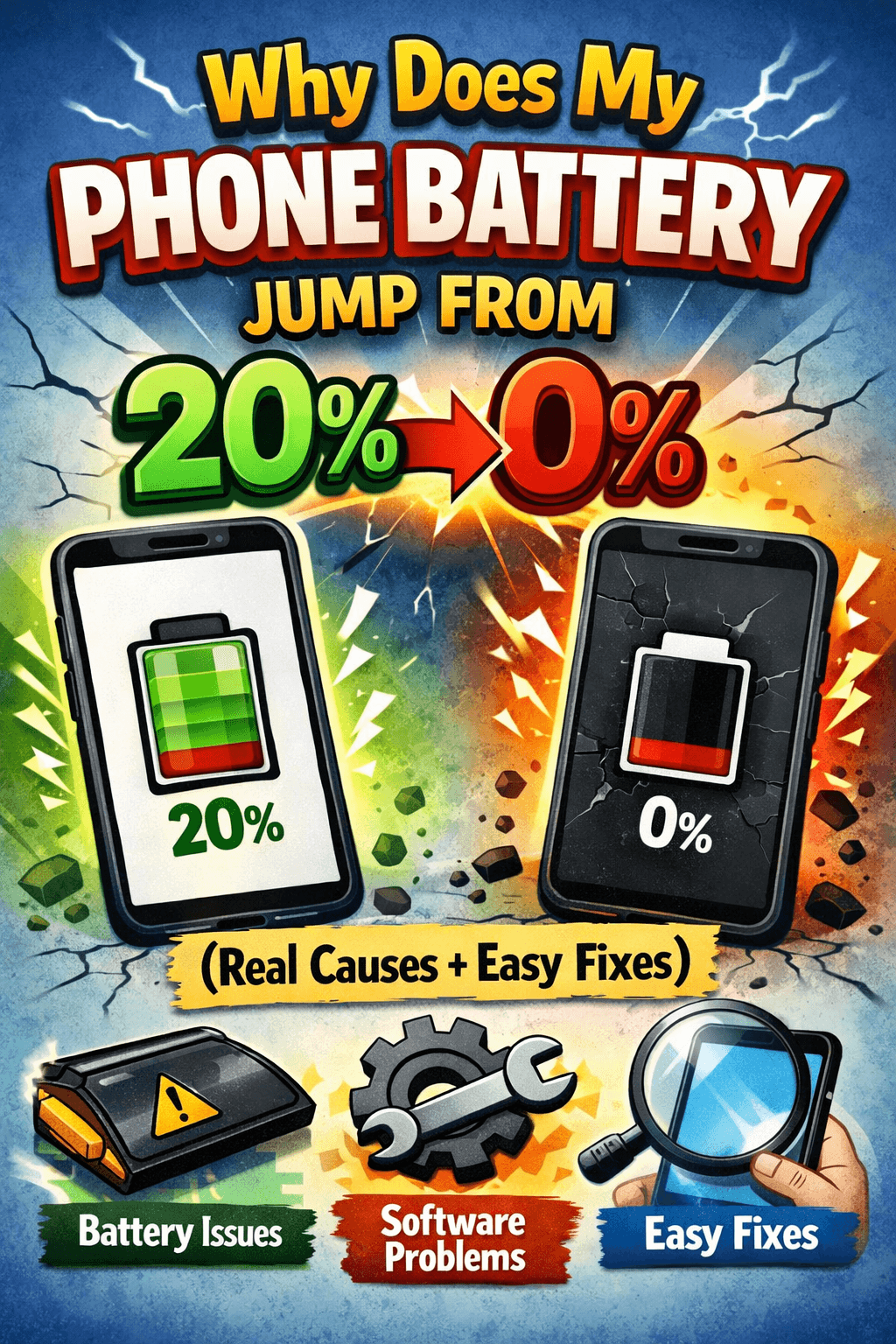
Table of Contents
- 1. Your Battery Is Getting Old (Battery Degradation)
- 2. Battery Calibration Is Off
- 3. Extreme Temperatures Are Hurting Your Battery
- 4. A Specific App Is Draining the Battery Fast
- 5. The Battery Is Physically Damaged or Swollen
- Fix 1: Recalibrate Your Battery
- Fix 2: Avoid Partial Charging Habits
- Fix 3: Check and Manage App Battery Usage
- Fix 4: Keep Your Phone Away from Extreme Temperatures
- Fix 5: Replace the Battery
You're scrolling through your feed, battery sitting at 20%, and then — bam — the screen goes black. No warning, no slow drain. Your phone just dies like it gave up on life. Sound familiar?
If your phone battery jumps from 20 to 0 out of nowhere, you're not alone. This is one of the most common battery complaints people have, and the good news is it's fixable. But first, you need to understand why it happens.
What Does It Mean When Your Phone Battery Drops from 20 to 0 Suddenly?
When your phone shows 20% battery and then shuts off instantly, it's not the phone being dramatic. It means the battery percentage your phone is showing you doesn't match what the battery is actually holding.
Think of it like a fuel gauge in a car that's slightly off. The gauge says you have a quarter tank left, but the car sputters to a stop anyway. That's exactly what's happening inside your phone.
This problem is called battery calibration drift, and it's more common than most people realize especially on phones that are a year or two old.

The Real Reasons Your Phone Battery Jumps from 20 to 0
1. Your Battery Is Getting Old (Battery Degradation)
This is the number one cause, and honestly, it's just science. Lithium-ion batteries the kind in every modern smartphone don't last forever. Every charge cycle slightly wears down the battery's capacity.
After 300 to 500 full charge cycles, your battery might only hold 70–80% of its original capacity. But the software inside your phone the battery management system might not have fully caught up with that reality yet. So it still thinks there's 20% left when there's actually almost nothing usable remaining.
The result? Your phone battery drops from 20 to 0 with no warning, because those last few percentage points simply aren't real anymore.
How to check: On iPhones, go to Settings → Battery → Battery Health & Charging. If it shows below 80%, your battery is noticeably degraded. Android users can use apps like AccuBattery to check battery wear.
2. Battery Calibration Is Off
Your phone uses a small chip to constantly track how much charge is in the battery. Over time, especially if you frequently charge your phone in short bursts or rarely let it drain fully, this chip can lose track of where "0%" and "100%" actually are.
When calibration is off, the percentage display becomes unreliable. You might see 20% on screen while the real charge level is closer to 2 or 3%. Once the phone hits that actual empty mark, it shuts down and it looks like it jumped from 20 to 0.
This is especially common if you:
Charge your phone multiple times a day in short sessions
Often plug in at 60–70% and unplug at 80%
Have never let the battery fully drain in months
3. Extreme Temperatures Are Hurting Your Battery
Heat and cold are a battery's worst enemies. If you've been using your phone in very hot conditions like leaving it in a car during summer or using it in freezing weather, it can cause the battery to behave erratically.
Cold temperatures in particular make lithium-ion batteries temporarily lose capacity. Your phone might show 20% because that's what the battery held when it was warm but now that it's cold, that reserve has shrunk dramatically. The phone can't sustain itself and shuts off suddenly.
This is why a lot of people notice their phone dying faster in winter. It's not your imagination.
4. A Specific App Is Draining the Battery Fast
Sometimes the battery doesn't really "jump" — it just drains very quickly in a short window you weren't watching. A misbehaving app, a runaway background process, or a stuck update can suck your battery from 20% to dead in just a minute or two.
If this is the case, your battery isn't necessarily the problem — the software is.
How to check: Go to your battery usage settings and look for any app consuming an unusually high percentage. Social media apps, GPS-based apps, and email clients are common culprits.
5. The Battery Is Physically Damaged or Swollen
If your phone has taken a fall, gotten wet, or is noticeably swollen or warm at the back, there may be physical damage to the battery. A damaged battery can hold charge unreliably and drop suddenly under load.
If your phone's back panel feels puffy or the battery compartment looks slightly raised, stop using it immediately. Swollen batteries can be a safety risk.
How to Fix a Phone Battery That Drops from 20 to 0
Now that you know what's causing it, here's how to actually deal with it.
Fix 1: Recalibrate Your Battery
This is the first thing to try, especially if your phone is relatively new and the battery health is still decent.
Here's how to recalibrate:
Use your phone normally until it shuts off on its own (don't force it)
Leave it off for about 30 minutes
Plug it into a charger and charge it all the way to 100% without interruption
Once at 100%, keep it plugged in for another 1–2 hours
Unplug and use normally
Doing this once can help the battery management system reset its understanding of the battery's true range. You may not need to do it often — just once every few months if the problem keeps coming back.
Fix 2: Avoid Partial Charging Habits
Try to change how you charge your phone day to day:
Let your battery drop to around 20% before charging (but don't make a habit of letting it hit 0%)
Charge it to 80–90% instead of always going to 100%
Avoid keeping it plugged in all night every night
These habits keep your battery calibrated and reduce long-term wear.
Fix 3: Check and Manage App Battery Usage
Go to your phone's settings and review which apps are using the most battery. Restrict background activity for apps you don't use constantly. On Android, you can use Battery Optimization settings. On iPhone, go to Settings → Battery and look at the usage breakdown.
If one app is consuming 30–40% of your battery, that's your problem right there.
Fix 4: Keep Your Phone Away from Extreme Temperatures
Don't leave your phone in a hot car
Avoid using it while it's charging for long periods (it generates extra heat)
In cold weather, keep it in a pocket close to your body to maintain temperature
Temperature management alone can make a noticeable difference in how accurately your battery percentage reads.
Fix 5: Replace the Battery
If your battery health is below 80%, recalibration tricks won't do much. At that point, the battery simply doesn't have the capacity it used to. The only real fix is a battery replacement.
Battery replacements are relatively affordable:
Apple offers battery replacement through their service program
Most Android manufacturers offer official replacements
Third-party repair shops can do it for less, though quality varies
A fresh battery will completely eliminate the sudden shutdown problem if degradation was the cause.
How to Prevent This Problem in the Future
Prevention is always better than a fix. Here are habits that'll keep your battery accurate and healthy for longer:
Don't charge to 100% every single time. Keeping it between 20–80% reduces long-term wear.
Avoid wireless charging constantly. It generates more heat than wired charging, which speeds up degradation.
Update your phone's software. Manufacturers regularly push updates that improve battery management and calibration.
Use your phone's original charger or a certified one. Cheap third-party chargers can deliver inconsistent power, stressing the battery.
Don't ignore early signs. If your battery starts draining faster than usual, address it before it becomes a shutoff problem.
When Should You Be Worried?
Most of the time, a phone battery jumping from 20 to 0 is annoying but not dangerous. However, you should take it more seriously if:
Your phone is also getting unusually hot
The battery health has dropped below 70%
The back of your phone feels swollen or looks raised
The phone shuts off even while plugged in
In these cases, it's best to get the battery inspected or replaced as soon as possible.
Final Thoughts
A phone battery that drops from 20 to 0 is almost always a sign that something has gotten out of sync — either the battery itself has aged, the calibration has drifted, or something in your usage habits is making it worse.
The fix is rarely complicated. Start with a recalibration, take a look at your app usage, and check your battery health percentage. If the number is low, investing in a battery replacement is genuinely worth it — it can feel like you have a brand new phone again.
Your battery works hard every single day. A little attention goes a long way in keeping it honest about how much charge it actually has left.
For more battery tips, troubleshooting guides, and honest product reviews, explore more at BestBatteryGuide.com.
Try Our Phone Diagnostic Flow
Walk through a step-by-step flow to diagnose charging issues.
Phone Diagnostic Flow
Answer questions to diagnose your charging issue
What's happening with your phone?
Frequently Asked Questions

Written by
BatteryGuides Editorial Team
Our team of battery experts researches and tests every guide to ensure accuracy. We're committed to helping you get the most out of your phone, laptop, and solar batteries.


