Swollen Battery: Causes, Warning Signs, and How to Prevent It
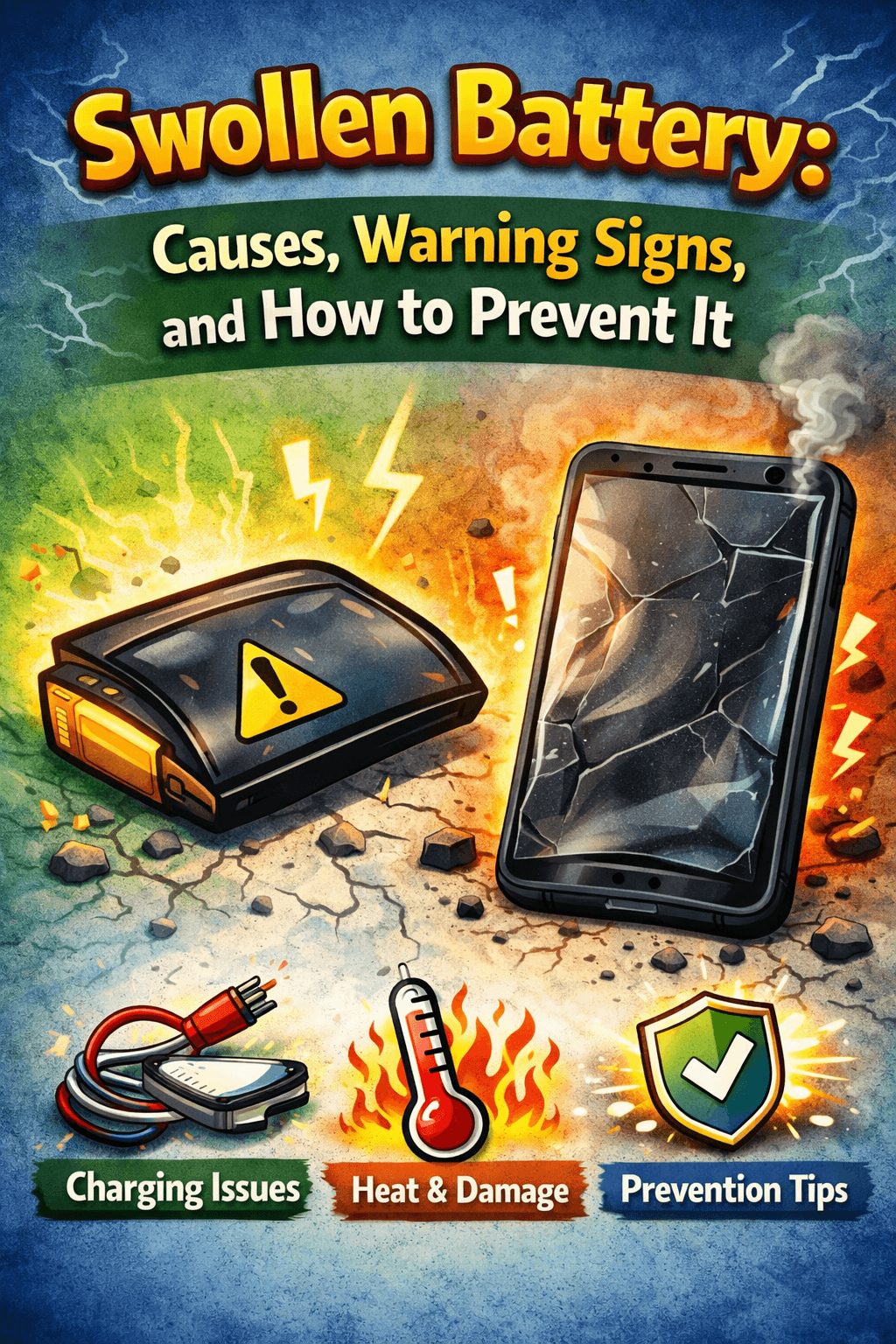
Table of Contents
You pick up your phone and something feels… off. The screen looks like it's slightly lifted at the edges. The back cover has a weird curve to it. Or maybe your laptop just doesn't sit flat on the desk anymore. Before you brush it off as normal wear and tear — stop. What you're likely looking at is a swollen battery, and it's one of those problems you really don't want to ignore.
This guide covers everything you need to know about swollen battery causes and prevention — in plain, no-fluff language. We'll talk about why it happens, how to spot it early, what NOT to do, and most importantly, how to stop it from ever becoming your problem in the first place.
What Is a Swollen Battery?
A swollen battery is a lithium-ion battery that has physically expanded or puffed up beyond its normal size. It sounds simple, but what's happening on the inside is actually a pretty serious chemical failure.
Every lithium-ion battery contains a liquid called an electrolyte. This liquid is responsible for moving energy back and forth inside the battery during charging and discharging. When everything is working as it should, this process is completely safe and stable.
But when the battery gets put under stress — from heat, overcharging, physical damage, or just years of use — that electrolyte starts to break down. And when it breaks down, it releases gases like carbon dioxide inside a completely sealed casing. Since those gases have nowhere to escape, they build up pressure and physically push the battery's layers outward. That's the swelling you see.
Here's the key thing to understand: a swollen battery isn't just a cosmetic issue. It's a sign that the internal chemistry has already failed, and the battery is now unstable.
Why Do Batteries Swell? The Real Causes
1. Keeping Your Phone Charged at 100% All the Time
This is the single biggest cause of battery swelling, and most people don't even realize they're doing it.
When your phone reaches 100%, a good charger should stop delivering power. But in reality, most chargers keep trickling small amounts of electricity to hold the battery at that maximum level. The battery ends up sitting at full capacity for hours often all night and that sustained high-charge state puts enormous chemical stress on the electrolyte inside.
Night after night, charge after charge, that stress adds up. The electrolyte slowly starts breaking down, releasing gas, and before long, you've got a swollen battery on your hands.
The fix? Stop charging to 100% every single time. Keeping your battery between 20% and 80% is the sweet spot for long-term health. It's not always convenient, but it makes a massive difference.
2. Extreme Heat
Heat is a battery's worst enemy, full stop. High temperatures speed up every chemical reaction happening inside the battery — including the ones that produce gas and cause swelling.
Common heat-related mistakes people make:
- Leaving their phone on a car dashboard in summer
- Charging their phone under a pillow or blanket
- Using their phone intensively while it's fast-charging
- Placing devices on top of other heat-generating electronics
If your phone regularly feels hot to the touch, that's your battery quietly being damaged.
3. Physical Impact or Damage
Dropping your phone isn't just a screen risk. Inside the battery are ultra-thin separators that keep certain components apart. A hard fall or impact can damage those separators, causing tiny internal short circuits. These short circuits generate heat and, over time, gas — which leads directly to swelling.
The damage might not show up immediately either. You could drop your phone today and see a swollen battery weeks later.
4. Battery Age and Natural Wear
No battery lasts forever. With each charge cycle, the internal materials degrade a little bit more. An older battery is simply less chemically stable than a new one, which makes it more prone to gas buildup and swelling.
If your device is two or three years old and the battery is starting to misbehave, age is likely a major factor.
5. Manufacturing Defects
Less common, but it does happen — especially with off-brand or budget devices. Tiny impurities or imperfect seals during the manufacturing process can create weak spots inside the battery. These can trigger swelling even if you're doing everything else right.
This is one reason why sticking with reputable brands and certified replacement batteries matters.
How to Spot a Swollen Battery Before It Becomes Dangerous
Because most modern phones and laptops have sealed cases, you usually can't see the battery itself. But your device will give you clear signals if something is wrong.
Physical Changes to Watch For :
Screen separation — A visible gap appears between the display and the frame of your phone or tablet. The screen looks like it's being pushed outward from the inside.
Case bulging — The back panel of your phone or the bottom of your laptop feels warped, curved, or raised in the middle.
The wobble test — Place your device on a completely flat surface. Does it sit still, or does it rock? A device that wobbles or spins on a flat table almost always has a swollen battery pushing the casing out of shape. This is one of the easiest and most reliable early detection tests you can do.
Unusual odor — A faint sweet or metallic chemical smell coming from your device is a serious red flag. It means the battery's seal has been compromised and gases are leaking out. Power the device off immediately if you smell this.
Quick Reference: Swollen Battery Warning Signs
| Warning Sign | What It Looks Like | Where You'll Notice It |
|---|---|---|
| Screen Separation | Gap between screen and frame | Smartphones, tablets |
| Case Bulging | Warped or raised back panel | Phones, laptops |
| Wobble Test Failure | Device rocks on flat surface | Any sealed device |
| Chemical Odor | Sweet or metallic smell | All battery devices |
| Shorter Battery Life | Rapid unexpected drain | All devices |
The Real Risks of Ignoring a Swollen Battery
A swollen battery is not something you can just "keep an eye on" and deal with later. The longer it's left unaddressed, the more dangerous it becomes.
The biggest risk is something called thermal runaway. This is a chain reaction where the battery's internal temperature rises uncontrollably. Once it starts, it can generate enough heat to cause a fire or, in severe cases, an explosion. And it can happen from something as minor as dropping the device or continuing to charge it.
The swollen casing is also extremely fragile. Think of it like an overinflated balloon the more stretched it gets, the easier it is to burst. A small puncture or crack in the outer shell can release flammable gases instantly.
This is why swollen batteries need to be treated as a genuine safety hazard, not a minor inconvenience.
How to Prevent a Swollen Battery
Prevention is far easier than dealing with a swollen battery after the fact. Here's what actually works:
Adopt Smarter Charging Habits
Your daily charging routine has more impact on battery health than almost anything else. These changes make a real difference:
- Avoid charging to 100% every night. Aim for 80% as your regular ceiling.
- Don't let it hit 0% regularly either. Try to plug in before you drop below 20%.
- Avoid overnight charging. Hours at full charge is when the most damage occurs.
- Charge in shorter, smarter sessions instead of one long overnight session.
If overnight charging is unavoidable for you, consider using a smart charging limiter that physically cuts power once your battery hits a set percentage. This removes the guesswork entirely and automates the healthy charging habit.
- Keep the Temperature Down
- Never leave your device in a hot car, in direct sunlight, or near heat sources
- Don't charge under pillows, blankets, or in enclosed bags
- Let your phone cool down after heavy gaming or video streaming before charging
- In cold weather, let your device warm up to room temperature before plugging it in charging a cold battery can cause internal damage called lithium plating
Use Quality Chargers and Cables
Cheap, uncertified chargers can deliver inconsistent or incorrect voltage to your battery, causing internal stress. Always use the charger that came with your device or a certified alternative from a trusted brand. This is a small investment that protects a much bigger one.
Keep Your Software Updated
Phone manufacturers regularly release software updates that improve how the battery management system works. Keeping your device updated ensures the battery is being monitored and managed as accurately as possible.
---
What to Do If You Already Have a Swollen Battery
If you've spotted the signs and you're dealing with a swollen battery right now, here's exactly what to do — and what not to do.
Stop Immediately
Power off your device and do not charge it. Do not use it. Using or charging a swollen battery significantly increases the risk of rupture or fire.
What You Must NOT Do
- Don't charge it — this is the most dangerous thing you can do with a swollen battery
- Don't try to puncture it to release the gas — this can trigger an immediate and violent reaction
- Don't squeeze or apply pressure to the swollen area
- Don't throw it in regular trash — lithium-ion batteries are hazardous waste and a fire risk in landfills
Safe Steps to Take
1. Move the device to a safe location — somewhere cool, open, and away from flammable materials. A concrete floor or outdoor patio works well.
2. Don't attempt to remove the battery yourself if it's sealed inside the device. Take it to a professional repair technician.
3. If the battery is user-removable, wear gloves and safety glasses. Use only plastic prying tools — never metal, which could cause a spark.
4. Store it safely in a fireproof container — a metal tin filled with sand or a dedicated battery-safe bag works well.
5. Take it to a certified e-waste recycling center or battery drop-off point for safe and proper disposal.
Final Thoughts
A swollen battery doesn't happen overnight — it's the result of accumulated stress from heat, poor charging habits, age, and sometimes just bad luck at the factory. The good news is that most of those factors are within your control.
By understanding what causes battery swelling and making a few simple changes to how you charge and handle your devices, you can dramatically reduce the chances of ever dealing with this problem. And if you do spot the early warning signs, acting quickly and correctly is what keeps a minor issue from becoming a serious safety hazard.
Take care of your battery, and it'll take care of you.
For more battery health tips, safety guides, and honest product advice, visit BestBatteryGuide.com.
Try Our Battery Health Checklist
Run a quick health check to spot early battery problems.
Battery Health Checklist
Answer 8 quick questions to diagnose your battery
Does your battery drain from 100% to 0% in less than 6 hours with normal use?
Frequently Asked Questions

Written by
BatteryGuides Editorial Team
Our team of battery experts researches and tests every guide to ensure accuracy. We're committed to helping you get the most out of your phone, laptop, and solar batteries.


