Should You Charge Your Phone to 100%?
1. Lithium-Ion Batteries Overview
Most smartphones use lithium-ion batteries, which are efficient and long-lasting. These batteries do not need full charges every time, unlike older battery types.
Designed to handle partial and full charges safely
Do not suffer from “memory effect” like older batteries
Charging habits still impact long-term battery health
2. Charging to 100% Occasionally is Safe
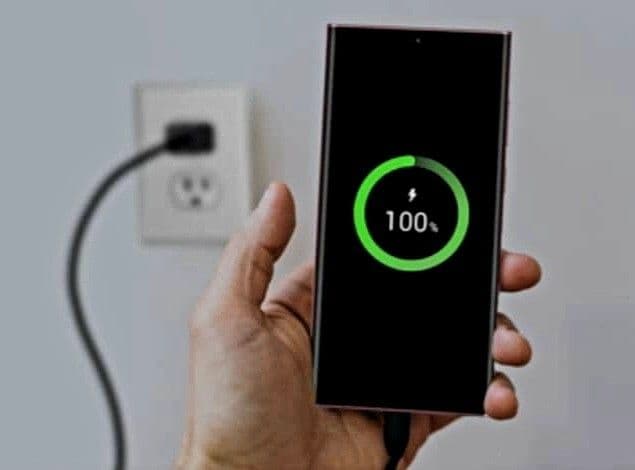
Charging to full capacity occasionally is perfectly fine. Modern phones are designed to stop charging automatically when they reach 100%, protecting the battery.
Phones automatically stop charging at full capacity
Occasional 100% charge does not damage the battery
Useful when you need maximum battery life for the day
3. Partial Charging is Better for Daily Use
For everyday charging, keeping your battery between 20% and 80% is healthier. This reduces stress on the battery and prolongs overall lifespan.
Avoid letting battery drop below 20% frequently
Charging to 80–90% is often sufficient for daily use
Helps prevent long-term capacity loss
4. Avoid Overnight Charging Regularly
Leaving your phone plugged in overnight can keep it at 100% for extended periods, which can slightly degrade the battery over time.
Modern phones limit overcharging, but heat can still affect battery health
If possible, unplug once fully charged
Use smart plugs or phone settings to stop charging automatically

5. Heat Affects Battery Life
Temperature plays a major role in battery health. Charging in hot conditions or using the phone heavily while charging can reduce lifespan.
Avoid charging under direct sunlight or near heat sources
Heavy gaming or video playback while charging generates heat
Keep the phone cool for optimal battery health
6. Quick Charging vs. Slow Charging
Fast charging is convenient but produces more heat, which can slightly reduce long-term battery life compared to slower charging methods.
Use fast charging only when necessary
Slow charging generates less heat and is gentler on the battery
Combining both methods helps maintain battery health

7. Smart Charging Features
Many smartphones now include smart charging features that optimize battery charging patterns to protect long-term health.
Some phones limit full charge overnight
They learn your charging habits and adjust speed accordingly
Helps maintain battery capacity over time
8. Summary and Best Practices
Charging your phone to 100% is safe occasionally, but partial charges and avoiding excessive heat are better for long-term battery health. Smart charging and good habits maximize battery lifespan.
Charge between 20–80% for everyday use
Avoid prolonged charging at 100%
Use original or certified chargers
Keep the phone cool while charging
Try Our Charging Time Calculator
Estimate how long your device will take to reach full charge.
Charging Time Calculator
Estimate how long it takes to charge your device
Device & Battery
Charger Wattage
Charge Range
Frequently Asked Questions

Written by
BatteryGuides Editorial Team
Our team of battery experts researches and tests every guide to ensure accuracy. We're committed to helping you get the most out of your phone, laptop, and solar batteries.


