Phone Dies at 30 Percent Battery Fix: Everything You Need to Know
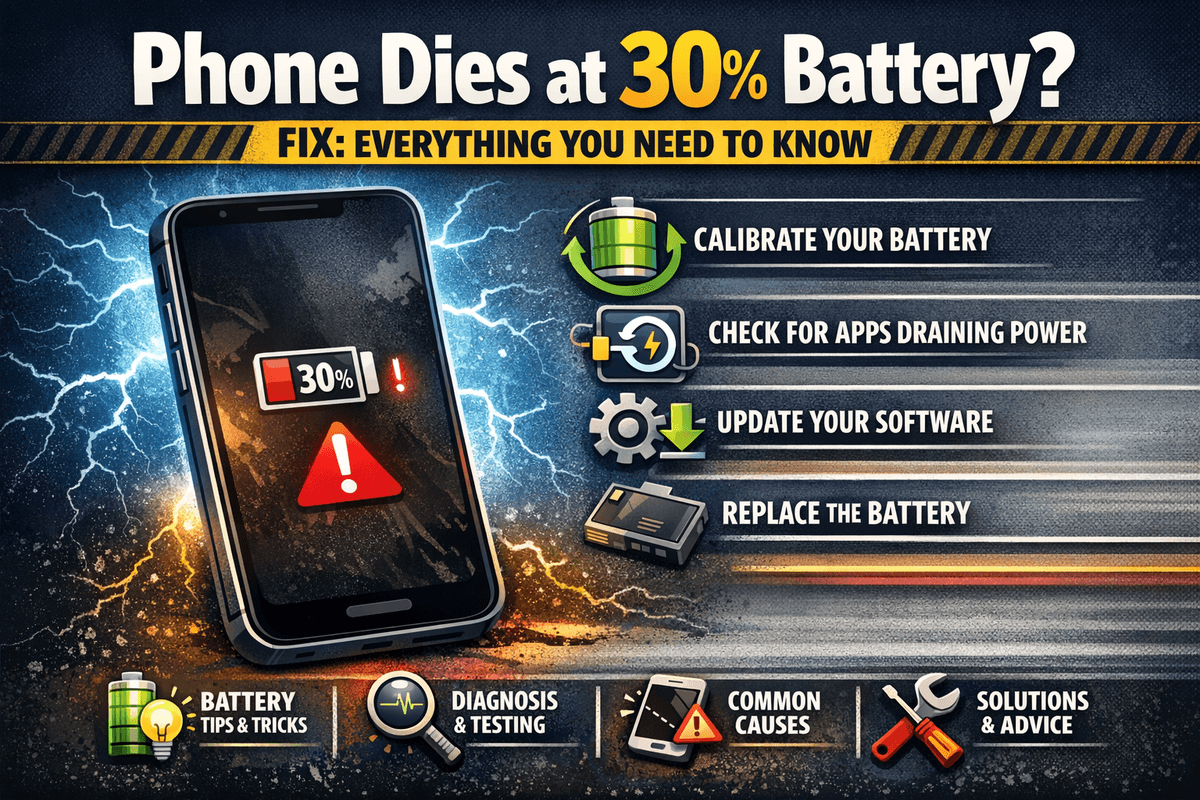
Table of Contents
- Why Does Your Phone Die at 30 Percent Battery?
- Is This a Hardware Problem or a Software Problem?
- How to Fix Phone That Dies at 30 Percent Battery
- Recalibrate Your Battery
- Update Your Phone's Software
- Check Your Battery Health
- Replace the Battery
- Avoid Extreme Temperatures
- Reset Your Phone's Settings
- Manage Background Apps and Battery-Draining Features
- Check for Faulty Charging Habits
- When Should You Visit a Professional?
- Preventing the Problem in the Future
- Final Thoughts
Have you ever been in the middle of an important call, watching a video, or navigating through an unfamiliar area, and suddenly your phone just shuts off? You look at it confused because just a second ago it was showing 30 percent battery. This is one of the most frustrating experiences any smartphone user can go through, and the worst part is that it happens more often than people realize. If your phone dies at 30 percent battery, you are definitely not alone, and the good news is that this is a fixable problem in most cases.
This article is going to walk you through everything you need to know about why your phone dies at 30 percent, what is causing it, and most importantly, how to fix it. Whether you are using an Android device or an iPhone, the solutions discussed here apply to most modern smartphones.
Why Does Your Phone Die at 30 Percent Battery?
Before jumping into the fixes, it is important to understand why this is happening in the first place. The issue is almost never random. There is always a reason behind it, and once you identify the root cause, solving it becomes a lot easier.
Your phone uses something called a battery management system, or BMS. This system reads the voltage of your battery and converts that reading into a percentage that you see on your screen. When your battery is old or damaged, the voltage can drop suddenly under load, and the BMS reads this sudden drop as a dead battery even when there is still charge remaining. This is essentially what causes your phone to die at 30 percent battery.
Another major reason is battery calibration. Over time, the software on your phone loses track of the actual capacity of your battery. It might think the battery is at 30 percent when it is actually much lower. When the real charge runs out, your phone turns off abruptly even though the screen was showing a much higher number.
Chemical degradation of the battery cells is also a common culprit. Lithium-ion batteries, which are used in virtually all modern smartphones, degrade with every charge cycle. After a few hundred full cycles, the battery loses a significant portion of its original capacity. This degradation also affects how the battery holds voltage under load, which leads directly to unexpected shutdowns.
Is This a Hardware Problem or a Software Problem?

This is one of the most common questions people ask when their phone dies at 30 percent battery. The honest answer is that it can be either one, or sometimes a combination of both.
On the hardware side, a physically degraded or old battery is the primary cause. If your phone is more than two years old and you have been charging it heavily, battery wear is almost guaranteed to be a factor. Physical damage to the battery, exposure to extreme temperatures, and overcharging can also accelerate this degradation.
On the software side, poor battery calibration is often the reason. When your phone's operating system does not have accurate information about your battery's actual capacity, the percentage reading becomes unreliable. Software bugs introduced through updates can also interfere with battery reporting, causing your phone to shut down prematurely.
Knowing whether the issue is hardware or software helps you decide which fix to try first, so let us go through all of them.
How to Fix Phone That Dies at 30 Percent Battery
Recalibrate Your Battery
Battery recalibration is the first thing you should try when your phone dies at 30 percent battery. This process helps your phone's software relearn the actual capacity of your battery, which can significantly improve the accuracy of the battery percentage reading.
To recalibrate your battery, start by using your phone until it shuts off completely on its own. Do not plug it in before it dies. Once it turns off, wait for about 15 to 30 minutes. Then connect it to a charger and let it charge uninterrupted all the way up to 100 percent. Once it hits 100 percent, leave it plugged in for another hour or two so it reaches a full and stable charge. After that, unplug it and restart your phone.
Repeat this process two or three times over the course of a week. In many cases, this simple recalibration process is enough to fix the issue of a phone dying at 30 percent battery. It essentially resets the reference points that your phone uses to calculate the remaining charge.
Update Your Phone's Software
This might sound like generic advice, but it genuinely matters. Manufacturers release software updates specifically to address battery management bugs and improve power efficiency. If your phone started dying at 30 percent after a recent update, there is a good chance a new update will patch the issue.
Go to your phone's settings, navigate to the software update section, and check whether a newer version is available. If there is, install it. If the issue started after an update, you might want to look for reports from other users experiencing the same problem, as manufacturers sometimes roll back problematic updates or release hotfixes quickly.
Check Your Battery Health
Both iPhones and Android phones give you the ability to check your battery health directly from the settings. On an iPhone, you can go to Settings, then Battery, then Battery Health and Charging. If your maximum capacity has dropped below 80 percent, your battery is significantly degraded and replacing it might be the most effective solution.
On Android, the path varies depending on the manufacturer, but most modern Android phones have a battery section in the settings where you can view usage stats and sometimes health information. There are also third-party apps like AccuBattery that give you a more detailed look at your battery's health and capacity over time.
If your battery health is low, no amount of software tweaking is going to fully solve the problem of your phone dying at 30 percent battery. The hardware itself needs to be addressed.
Replace the Battery
If your phone is more than two years old and the battery health is showing significant degradation, replacing the battery is the most effective and long-lasting fix. A new battery will not only prevent your phone from dying at 30 percent but will also give you much better overall battery life throughout the day.
Replacing the battery is easier and more affordable than many people think. If your phone is still under warranty or you have an Apple device, you can visit an authorized service center for a relatively inexpensive battery replacement. Third-party repair shops also offer battery replacements at competitive prices for most popular Android models.
Some phones, like recent iPhones and Samsung Galaxy models, have self-repair programs that allow you to purchase an official battery and replace it yourself using a repair kit. If you are comfortable with that, it is a perfectly valid option.
Avoid Extreme Temperatures
One thing that many people overlook when their phone dies at 30 percent battery is the role that temperature plays. Lithium-ion batteries are very sensitive to heat and cold. If you use your phone in very hot conditions, like leaving it in a car during summer, or in very cold environments, the battery voltage can fluctuate dramatically. This can cause sudden shutdowns that look like your phone dying at 30 percent or even higher.
Try to keep your phone within a normal temperature range, which is roughly between 0 and 35 degrees Celsius. If your phone has gotten very hot recently or you have been using it in cold weather, let it come back to room temperature before charging or using it heavily.
Reset Your Phone's Settings
Sometimes software glitches can interfere with battery calibration in a way that cannot be fixed without resetting the device settings. A factory reset is a more drastic measure, but it can be very effective at eliminating software-level causes for your phone dying at 30 percent.
Before doing a full factory reset, try a partial reset first. On most phones, you can reset all settings without wiping your data. This will clear out any misconfigured system settings that might be affecting the battery management system. If that does not work and you are confident the issue is software related, a full factory reset after backing up your data might be the right move.
Manage Background Apps and Battery-Draining Features
Another overlooked cause for a phone dying at 30 percent battery is excessive background activity. If multiple apps are running in the background, draining the battery quickly, the phone can sometimes shut down faster than expected when the battery voltage drops under that combined load.
Go through your battery usage stats and identify any apps that are consuming an unusually high percentage of battery. Restrict background activity for those apps, or uninstall them if they are not necessary. Features like location services, Bluetooth, Wi-Fi scanning, and push notifications all contribute to background battery drain and can worsen the problem.
Turning on battery saver mode during the day can also help. Battery saver mode limits background processes and reduces the load on the battery, which means voltage drops are less sudden and your phone is less likely to shut off unexpectedly.
Check for Faulty Charging Habits
The way you charge your phone has a direct impact on long-term battery health. Charging your phone overnight every single night, letting it drain completely before charging, or using low-quality third-party chargers can all accelerate battery degradation and contribute to a situation where your phone dies at 30 percent battery.
Try to keep your phone's battery between 20 and 80 percent as much as possible. This range is considered optimal for lithium-ion battery longevity. Avoid using your phone intensively while it is charging, as this generates heat and stresses the battery simultaneously. Always use a good-quality charger that matches the specifications recommended by your phone's manufacturer.
When Should You Visit a Professional?
If you have tried all of the above solutions and your phone is still dying at 30 percent battery, it might be time to visit a professional. There are situations where the problem goes beyond software calibration or simple battery wear. A damaged charging port, faulty power management IC, or other internal hardware issues can also cause unexpected shutdowns.
A qualified technician can run diagnostics on your phone and identify whether there is an underlying hardware issue that needs to be repaired or replaced. In some cases, the fix might be simpler and cheaper than you expect.
Preventing the Problem in the Future
Once you have fixed your phone dying at 30 percent battery, you will naturally want to prevent it from happening again. The best way to do this is to treat your battery well from the start.
Charge mindfully by avoiding full drain cycles whenever possible. Keep your phone out of extreme temperatures. Use only certified chargers and cables. Enable battery optimization features built into your phone's operating system. And keep your software updated so you always have the latest battery management improvements.
A good habit that many phone users overlook is checking their battery health every few months. Catching degradation early means you can replace the battery before it starts causing problems like random shutdowns.
Final Thoughts
A phone that dies at 30 percent battery is a genuinely annoying problem, but it is one that almost always has a solution. Whether the fix is as simple as recalibrating your battery or as straightforward as replacing an old cell, you have plenty of options available to you. The key is to understand that your battery percentage is only as accurate as the condition of your battery and the calibration of your software.
Take care of your battery, stay on top of software updates, and pay attention to how you charge. Your phone should give you reliable, accurate battery readings throughout the day, and with the right maintenance, you can avoid the frustration of unexpected shutdowns for a long time to come.
For more guides, tips, and deep dives into everything related to smartphone batteries, keep visiting bestbatteryguide.com. We cover it all.
Try Our Battery Health Checklist
Run a quick health check to spot early battery problems.
Battery Health Checklist
Answer 8 quick questions to diagnose your battery
Does your battery drain from 100% to 0% in less than 6 hours with normal use?
Frequently Asked Questions

Written by
BatteryGuides Editorial Team
Our team of battery experts researches and tests every guide to ensure accuracy. We're committed to helping you get the most out of your phone, laptop, and solar batteries.


