Phone charges slowly fix
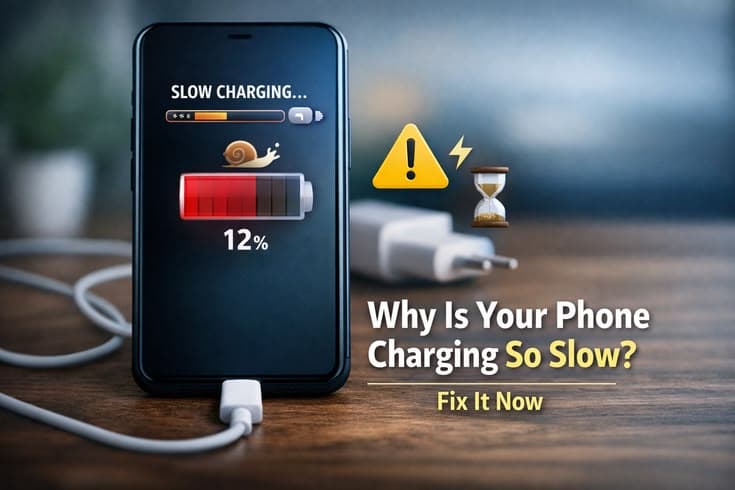
Table of Contents
- Why Is Your Phone Charging Slowly?
- 1. Faulty Charging Cable
- 2. Weak Charger Adapter
- 3. Dirty Charging Port
- 4. Background Apps Running
- 5. Battery Health Issues
- 6. Using Phone While Charging
- How to Fix Slow Charging
- 1. Use Original Charger & Cable
- 2. Clean Charging Port
- 3. Close Background Apps
- 4. Avoid Using Phone While Charging
- 5. Turn On Airplane Mode
- Final Thoughts
Why Is Your Phone Charging Slowly?
Your phone’s charging speed depends on multiple factors like charger quality, cable condition, battery health, and even background activity. If any of these are not working properly, charging speed drops.
1. Faulty Charging Cable
The charging cable is one of the most common reasons for slow charging. Over time, cables get damaged internally, even if they look fine from the outside.
A weak cable can’t deliver proper power, which slows down charging significantly.
Damaged internal wires
Loose connection
Cheap quality cable
Power loss during charging
2. Weak Charger Adapter
Not all chargers provide the same power output. If you're using a low-quality or low-watt charger, your phone will charge much slower.
Using the original or fast charger makes a big difference.
Low power output
Non-original charger
No fast charging support
Inconsistent charging speed
3. Dirty Charging Port
Dust and debris can collect inside your phone’s charging port. This blocks proper connection between the cable and the phone.
Even a small amount of dirt can slow down charging.
Dust buildup
Loose connection
Charging interruption
Needs cleaning
4. Background Apps Running
If your phone is doing heavy tasks while charging, it slows down the charging process. Apps running in the background continue to consume power.
This makes it feel like charging is very slow.
Apps running in background
High battery usage
Slower charging speed
Hidden drain

5. Battery Health Issues
Old or damaged batteries don’t charge efficiently. If your battery health is low, it will take more time to charge fully.
In some cases, it may never reach full capacity properly.
Old battery
Reduced efficiency
Slower charging
May need replacement
6. Using Phone While Charging
Using your phone while charging — especially for gaming or videos — reduces charging speed because power is being used at the same time.
Gaming while charging
Watching videos
Heat generation
Slower charging
How to Fix Slow Charging
Here are simple and effective solutions you can try:
1. Use Original Charger & Cable
Always use the original charger or a high-quality fast charger that supports your phone.
2. Clean Charging Port
Gently clean your charging port using a soft brush or air to remove dust.
3. Close Background Apps
Stop unnecessary apps while charging to improve speed.
4. Avoid Using Phone While Charging
Let your phone rest while charging for faster results.
5. Turn On Airplane Mode
This reduces background activity and speeds up charging.

Final Thoughts
Slow charging can be annoying, but it’s usually caused by simple issues like cables, chargers, or background usage. By making a few small changes, you can significantly improve your phone’s charging speed.
Try Our Charging Time Calculator
Estimate how long your device will take to reach full charge.
Charging Time Calculator
Estimate how long it takes to charge your device
Device & Battery
Charger Wattage
Charge Range
Frequently Asked Questions

Written by
BatteryGuides Editorial Team
Our team of battery experts researches and tests every guide to ensure accuracy. We're committed to helping you get the most out of your phone, laptop, and solar batteries.


