Is Battery Sharing Harmful for Your Mobile Phone?
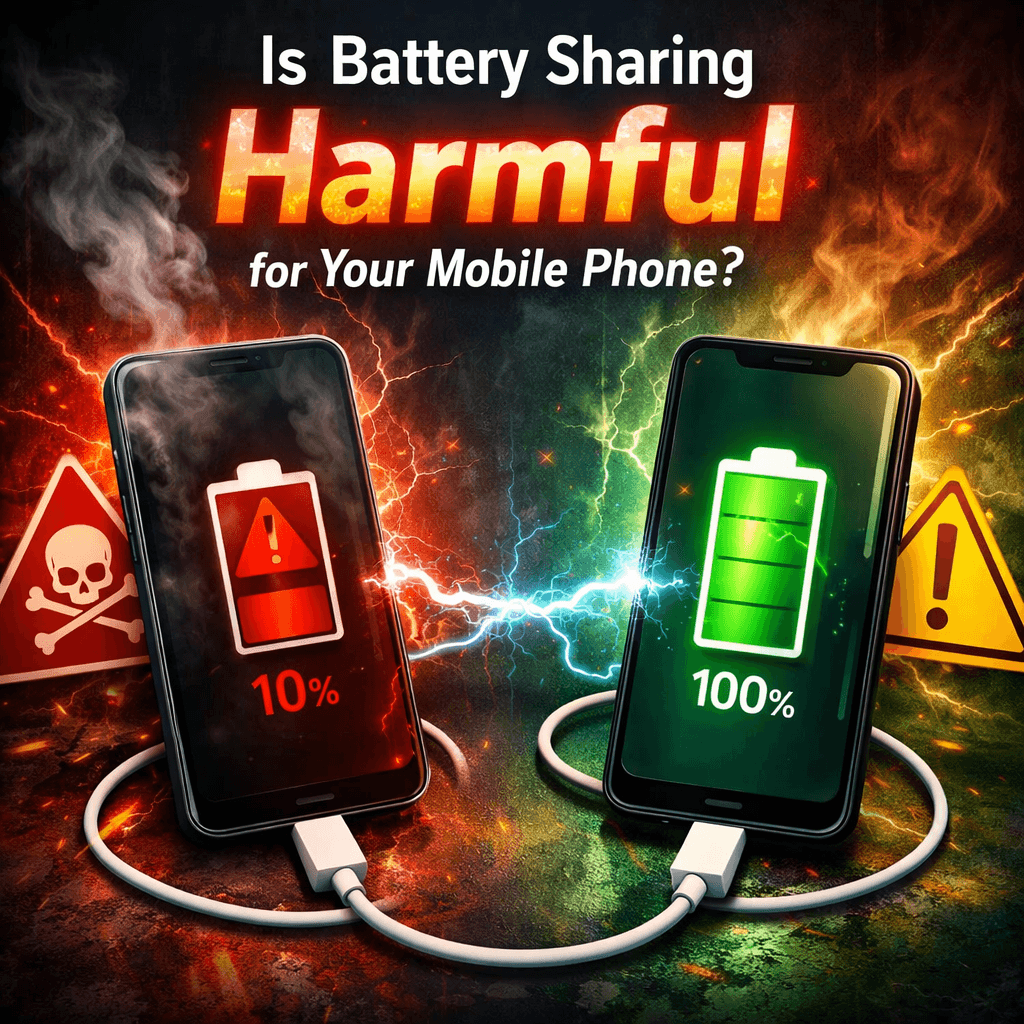
You're out with a friend, their phone is about to die, and you casually flip yours face-down on top of theirs. A few taps later, battery sharing is on. It feels futuristic, almost generous. But somewhere inside your phone, a quiet process has kicked off one that comes with real trade-offs you probably never read about in the spec sheet.
Battery sharing, also called reverse wireless charging or PowerShare (depending on your device brand), lets your smartphone act as a wireless charging pad for another device. It's available on Samsung Galaxy phones, Google Pixels, Huawei flagships, and a growing list of others. The feature is real, it works but whether it's actually good for your phone is a different conversation altogether
How does battery sharing actually work?

Before we judge it, let's understand it. Traditional wireless charging uses inductive charging coils inside your phone to receive energy from an external pad. Reverse wireless charging simply flips the direction your phone becomes the transmitter, pushing current outward instead of pulling it inward.
Most phones cap this outgoing charge at around 5 watts. That's deliberately conservative. Compare it to the 25W, 45W, or even 65W fast-charging speeds that flagship phones support when plugged in, and you quickly realize that reverse sharing is more of a "just enough to survive" feature than a speed demon. It's designed to keep a device alive, not fill it up.
"Every energy conversion comes at a cost. When your phone shares power wirelessly, a portion of that energy simply evaporates as heat and heat is the one thing lithium-ion batteries absolutely hate.
The real risks what's happening under the hood
Here's where things get genuinely worth knowing. Battery sharing isn't just a drain it introduces several stress points that can, over time, affect your phone's health in ways that don't show up immediately.
Heat generation
Wireless energy transfer is inherently inefficient. Lost energy becomes heat, raising the phone's core temperature by 2–4°C during sustained use.
Accelerated battery wear
Lithium-ion cells degrade faster at high or low states of charge. Deep discharging during sharing adds extra charge discharge cycles over time.
Reduced capacity over time
More cycles plus heat exposure = faster capacity loss. Your "100%" today might be 91% a year from now if reverse charging is used frequently.
Efficiency loss
For every 10% of battery you share, the receiving device may only gain 6–7% due to conversion losses in the wireless coils
Does using battery sharing once in a while matter?
Honestly? Not dramatically. Using reverse wireless charging occasionally say, once a week to top up your earbuds or a friend's phone in an emergency is unlikely to cause any noticeable harm. Modern smartphones are engineered with thermal management systems and battery management ICs that limit the worst case scenarios.
The risk profile changes when the feature becomes a habit. If you are regularly draining your phone from 80% down to 30% just to charge other devices, then plugging yourself back in multiple times a day, you are accelerating the very wear cycle that shortens every lithium-ion battery's lifespan. It's not catastrophic. It's cumulative
What about the phone being charged is that at risk too?
Interestingly, the receiving device faces its own concerns. Wireless charging even when received, not given runs hotter than wired charging. If both phones are stacked together and the room is warm, heat compounds. Some users report that sustained wireless charging sessions cause their phones to throttle performance, pause charging mid-session, or display temperature warnings.
This is your phone's defense system doing its job. But repeated thermal cycling — heating and cooling is itself a form of battery stress. It is not imaginary. Researchers at institutions like Battery University have documented that consistently charging a lithium-ion battery above 40°C can reduce its cycle life by 15–30% compared to charging at room temperature
Specific phones and how they handle it
Not all implementations are equal. Samsung's Wireless PowerShare on Galaxy devices is tightly managed the feature automatically pauses when the donor battery drops below 30%, protecting the host from deep discharge. Google's Pixel Battery Share behaves similarly. Huawei's reverse charging on Mate series phones can be slightly more aggressive, pushing up to 5W continuously until manually stopped.
Apple, notably, has taken a more reserved stance. While iPhone 15 and later models support wired reverse charging (to charge accessories via the USB-C port), Apple has not enabled reverse wireless charging for iPhone-to-iPhone sharing. Whether that's a deliberate health-preservation decision or a competitive choice is unclear but it's a pattern worth noticing.
The bottom line verdict
Battery sharing is not harmful in small doses. It becomes a risk factor when used frequently, in warm environments, or as a substitute for proper charging habits. Think of it like skipping sleep occasionally fine in an emergency, damaging as a routine.
How to use battery sharing without hurting your phone
Smart usage guidelines
Only share battery when your phone is above 50% charge to avoid deep-discharge cycles.
Keep sessions short a 10-minute boost is far less stressful than a 45 minute sharing marathon.
Remove phone cases during sharing; cases trap heat and make thermal management worse.
Avoid using battery sharing while your phone is itself charging the compound thermal load is significant.
Keep your phone in a cool environment during sharing; ambient temperature directly affects battery stress.
Reserve the feature for true emergencies rather than making it a daily convenience habit.
Monitor your battery health in settings every few months to catch early capacity degradation.
Should you disable the feature entirely?
That's probably overkill. The peace of mind that comes from having a backup power lifeline in your pocket is genuinely valuable, and the technology has matured enough that casual use won't quietly destroy your device. The manufacturers offering it know what their batteries can handle.
What you should do, however, is treat it the way you'd treat any minor convenience with a hidden cost use it intentionally, not reflexively. The moment "my phone can charge yours" becomes "my phone always charges everyone else's," you've crossed from smart use into a habit that will quietly shorten the lifespan of a device you probably paid over $800 for.
Battery health is like joint health. You rarely notice the damage accumulating until one day something just doesn't work like it used to. A few degrees of extra heat, repeated over hundreds of sessions, is the mobile equivalent of running on concrete every day without proper shoes. The impact is real it just takes time to show up.
Final thoughts
Battery sharing is a genuinely useful feature that sits in a gray zone between helpful innovation and subtle self-damage. Used sparingly and smartly, it's a non-issue. Used carelessly and often, it adds real stress to your battery's limited lifespan. The key is awareness and now that you have it, you can make the call for yourself.
Modern smartphones are more resilient than we give them credit for. They can handle a lot. But they are not immune to cumulative wear, and the laws of thermodynamics don't make exceptions for flagship hardware. Keep your phone cool, charge it wisely, and treat battery sharing as the emergency feature it was designed to be not the everyday tool it's tempting to become.
Try Our Battery Health Checklist
Run a quick health check to spot early battery problems.
Battery Health Checklist
Answer 8 quick questions to diagnose your battery
Does your battery drain from 100% to 0% in less than 6 hours with normal use?
Frequently Asked Questions

Written by
BatteryGuides Editorial Team
Our team of battery experts researches and tests every guide to ensure accuracy. We're committed to helping you get the most out of your phone, laptop, and solar batteries.


