Does Fast Charging Drain Your Phone Battery Faster?
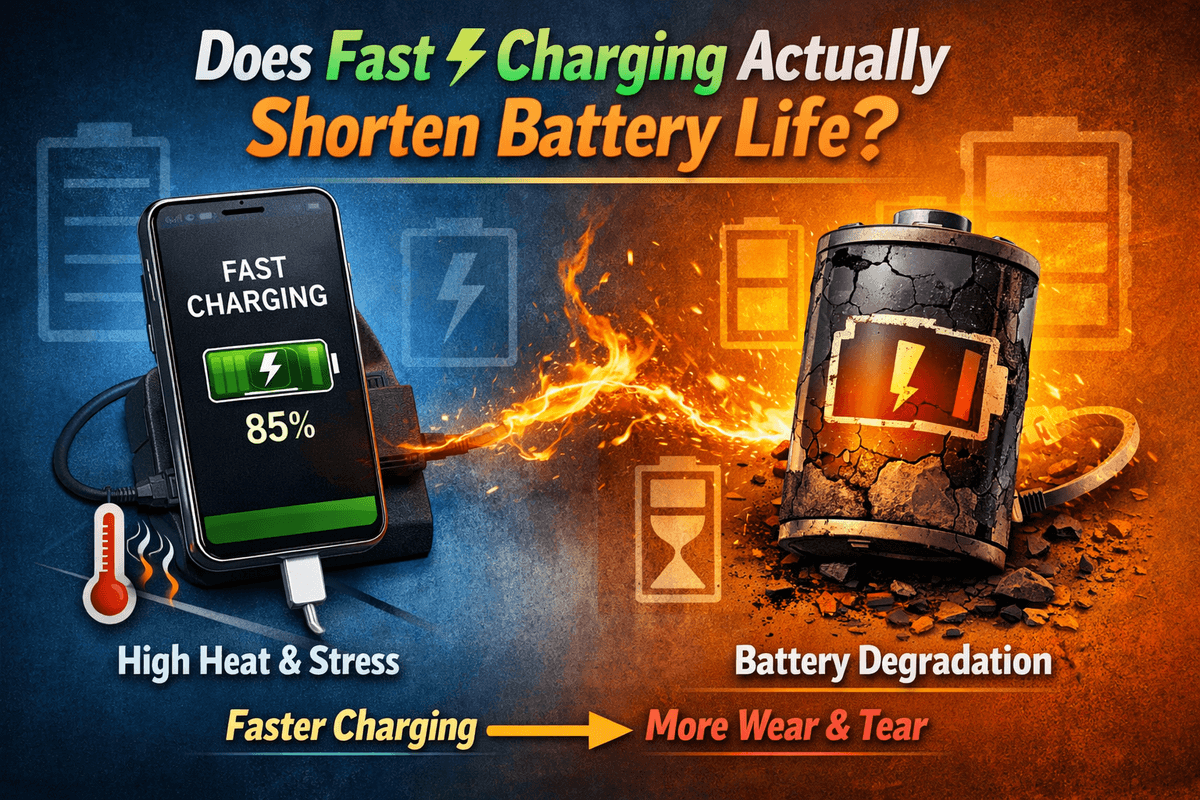
Fast charging has become a normal part of our daily routine. Whether it's your smartphone, laptop, or portable power bank, every device today promises to charge faster than the last. But one question keeps coming up — does fast charging actually damage your battery? It's a fair concern, and honestly, the answer depends on more than just speed. Once you understand how fast charging really works, it becomes a lot easier to use it the right way — and stop worrying about it.
This guide breaks down the real effects of fast charging on battery health, what actually causes battery wear, and how to make smart charging choices that protect your devices in the long run.
Does Fast Charging Actually Shorten Battery Life?
Let's get straight to it. Fast charging sends more power into your battery in less time. That part is true. But here's what most people get wrong — power alone doesn't kill a battery. Heat does.
Modern lithium-ion batteries are actually built with fast charging in mind. The real damage happens when heat builds up, voltage becomes unstable, or a poorly made charger pushes power without any control. A well-designed battery paired with a smart charger can handle fast charging for years without any meaningful wear.
So when does fast charging actually cause problems? In most real-world situations, noticeable battery damage from fast charging only happens when:
The charger constantly overheats during use
You're charging the device while doing something heavy like gaming or video editing
You're using a cheap, unregulated charger over a long period of time
For everyday users with decent quality devices and chargers, fast charging is rarely the main reason a battery starts degrading early. There are usually bigger factors at play — like keeping your battery at 100% for hours, or letting it drain completely on a regular basis.
Why Fast Charging Is Safe — When Done Right
Not all fast charging is created equal. Some chargers dump high power into your device with zero control. Others use intelligent, dynamic systems that constantly adjust the current depending on how full the battery is. That difference is huge.
Safe fast charging depends on three core things:
Voltage regulation — keeping power delivery stable throughout the charge
Heat control — making sure the charger and battery don't overheat
Real-time communication — the charger and device talking to each other
The best fast charging systems today support USB Power Delivery (PD) and PPS (Programmable Power Supply). These aren't just buzzwords — they're protocols that allow your charger to continuously adjust how much power it sends based on what your battery actually needs at that moment. No guesswork. No excess. Just precise, controlled charging.
Another technology worth knowing is GaN (Gallium Nitride). GaN chargers replace the older silicon-based components inside traditional chargers. The result? They run cooler, waste less energy, and are significantly more compact. If you're still using a bulky old charger from five years ago, a GaN charger is a serious upgrade in every way.
When all these pieces come together — PD, PPS, and GaN — fast charging stops being just about speed. It becomes intelligent power management that genuinely protects your battery.
To put it simply:
Fast charging is safe when your charger and device support the same protocols
GaN technology keeps temperatures low
Stable voltage prevents long-term battery damage
Without these protections, fast charging can cause unnecessary stress
Which Devices Are Most Affected by Fast Charging?
Not every device handles fast charging the same way. Here's a quick breakdown:
Device Type | Fast Charging Impact |
|---|---|
Smartphones | Generally safe with PD/PPS chargers |
Tablets | Safe, but charges slower due to larger battery size |
Laptops | Requires higher wattage; heat management is critical |
Portable Power Banks | Safe when matched with correct input wattage |
Older Devices (5+ years) | May overheat or reject high-power input |
Smartphones are the most fast-charging-friendly devices out there. Most modern models are designed with fast charging support built in, and they work seamlessly with PD chargers.
Tablets take a bit longer simply because their batteries are larger, but the process is just as safe when using the right charger.
Laptops are a different story. They need higher wattage — often 45W to 100W or more — and produce more heat during charging. The safety controls need to be solid. Using the wrong charger on a laptop can cause thermal issues or even slow down your system's performance.
Older devices are where you need to be the most careful. Their batteries were not designed for today's fast charging speeds. Pushing too much power into an aging battery can cause overheating, unpredictable charging behavior, or accelerated degradation. If your device is more than five years old, consider sticking to a lower wattage charger.
When Should You Avoid Fast Charging?
Even the safest technology has situations where it's better to dial things back. Fast charging isn't always the right choice, and knowing when to avoid it is just as important as knowing how to use it.
Think twice about fast charging in these situations:
Overnight charging — Leaving your phone on a fast charger all night creates hours of unnecessary heat exposure. Most phones stop actively charging once they hit 100%, but the battery still sits at full capacity in a warm environment, which gradually wears it down.
Hot weather or warm environments — Charging in a hot car, a sun-facing room, or anywhere with poor ventilation puts double the stress on your battery. Heat from the environment plus heat from fast charging is a bad combination.
Heavily degraded batteries — If your battery is already aging and drains quickly, slower charging is gentler. A degraded battery is more sensitive to high power input.
While using the device intensively — Running graphics-heavy games or streaming video while fast charging raises the internal temperature significantly. If you need to use your phone while it charges, consider switching to a slower port or at least closing heavy apps.
The good news is that most modern smart chargers automatically switch to a slower trickle charge once the battery nears full. Still, being mindful of these situations will go a long way in extending your battery's overall lifespan.
How to Choose a Fast Charging Setup That Won't Harm Your Battery
You don't need to be a tech expert to pick the right fast charger. You just need to know what to look for. Here's a practical checklist:
1. Know your device's maximum input wattage Every phone, tablet, laptop, and power bank has a rated charging input. Find out what yours is — whether it's 18W, 45W, or 65W — and match your charger to that. Going too low slows charging. Going unnecessarily high without proper protocols doesn't make it faster, it just risks instability.
2. Always look for PD or PPS support These two protocols are your best guarantee of safe, efficient fast charging. They ensure real-time power adjustment so your battery only gets what it can handle. If a charger doesn't mention either of these, it's a red flag.
3. Don't underestimate your cable A low-quality cable is one of the most overlooked causes of slow charging and overheating. If your charger supports 65W, your cable needs to be rated for at least that. Always use a cable that matches or exceeds your charger's output.
4. Go for GaN chargers GaN chargers run cooler, are more energy-efficient, and are usually much more compact than older chargers. For daily use, they're simply the smarter choice. They're also better for travel since many are designed to work with global voltage ranges.
5. Avoid generic unlabeled "fast chargers" If a charger doesn't clearly state its wattage, protocols, or certifications, skip it. A lot of budget chargers claim to be "fast" without having any of the actual technology to back it up. These are the ones most likely to damage your battery over time.
Smart Charging Habits That Preserve Battery Health Long-Term
Beyond choosing the right charger, your daily charging habits play a huge role in how long your battery lasts. Fast charging is just one piece of the puzzle.
Here are some habits worth building:
Stay between 20% and 80% when possible — Lithium-ion batteries actually prefer not to be fully charged or fully drained all the time. Keeping your charge in the middle range reduces stress on the battery cells and slows natural degradation.
Don't charge to 100% every time — Topping off to full constantly keeps the battery under voltage stress. Many modern phones now have a feature that limits charging to 80% for this exact reason. Use it if you have it.
Give your device a break while charging — Especially during fast charging sessions, letting your device sit idle allows it to manage heat more effectively. If you're charging quickly before heading out, just set the phone down for those 20–30 minutes.
Use the right charger for the right device — Mixing and matching chargers and cables across different devices leads to mismatched power delivery, slower speeds, and unnecessary wear. Keep things matched and certified.
Avoid charging in cases that trap heat — Some phone cases, especially thick rubber ones, trap heat during charging. Take your case off during long charging sessions if your device tends to get warm.
These habits paired with a high-quality charger make a real difference. Battery health isn't just about one charging session — it's about thousands of them over the years.
The Bottom Line on Fast Charging and Battery Health
Fast charging isn't going anywhere, and it shouldn't. It genuinely saves time, keeps you mobile, and when done right, it causes far less damage than most people assume.
The truth is this: fast charging only becomes a problem when it's done poorly. With the wrong charger, the wrong cable, or in the wrong conditions, yes — it can wear your battery down faster. But with a well-matched setup that uses proper protocols like PD and PPS, combined with GaN technology and a certified cable, fast charging is a safe, practical, and reliable tool.
To keep your battery healthy while still enjoying fast charging speeds, remember these key points:
Match your charger to your device's rated wattage
Always use chargers that support PD and PPS protocols
Use certified, high-rated cables — not whatever came free in the box
Avoid fast charging in hot environments or overnight regularly
Let your device rest while it charges when possible
Try to keep your battery between 20–80% when you can
Fast charging, when approached with the right knowledge and the right tools, is something you can rely on every day — not something you need to fear.
Try Our Charging Time Calculator
Estimate how long your device will take to reach full charge.
Charging Time Calculator
Estimate how long it takes to charge your device
Device & Battery
Charger Wattage
Charge Range
Frequently Asked Questions

Written by
BatteryGuides Editorial Team
Our team of battery experts researches and tests every guide to ensure accuracy. We're committed to helping you get the most out of your phone, laptop, and solar batteries.


