Phone Not Charging? What to Do If Your Charging Port Is Not Working
Table of Contents
- Why Your Charging Port Is Not Working
- Common Reasons Your Phone Is Not Charging
- 1. Software Glitches
- 2. Dust or Debris in the Charging Port
- 3. Faulty Charging Cable or Adapter
- 4. Physical Damage to the Charging Port
- 5. Water or Moisture in the Charging Port
- Step-by-Step Guide to Fix a Charging Port Not Working
- Step 1: Test Another Charger
- Step 2: Clean the Charging Port
- Step 3: Restart Your Phone
- Step 4: Check for Water Damage
- Step 5: Inspect for Physical Damage
- Step 6: Try Wireless Charging
- Expert Tips to Prevent Charging Port Problems
- When to Replace Your Charging Port
- Interactive diagnostic
- Conclusion
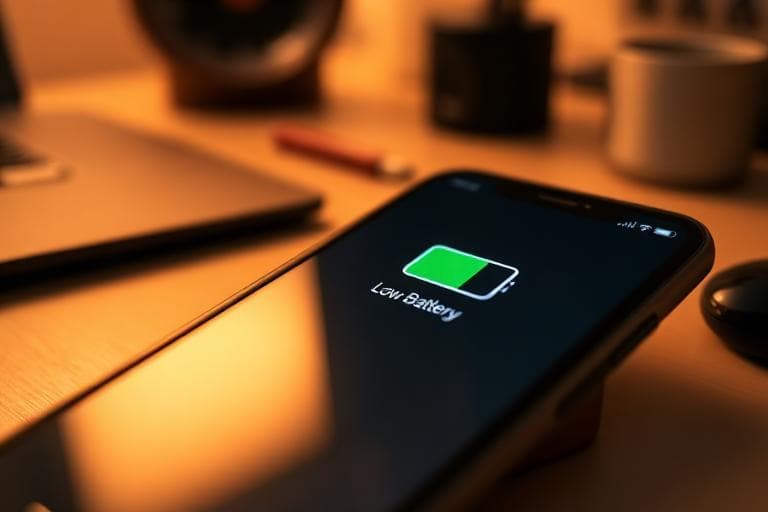
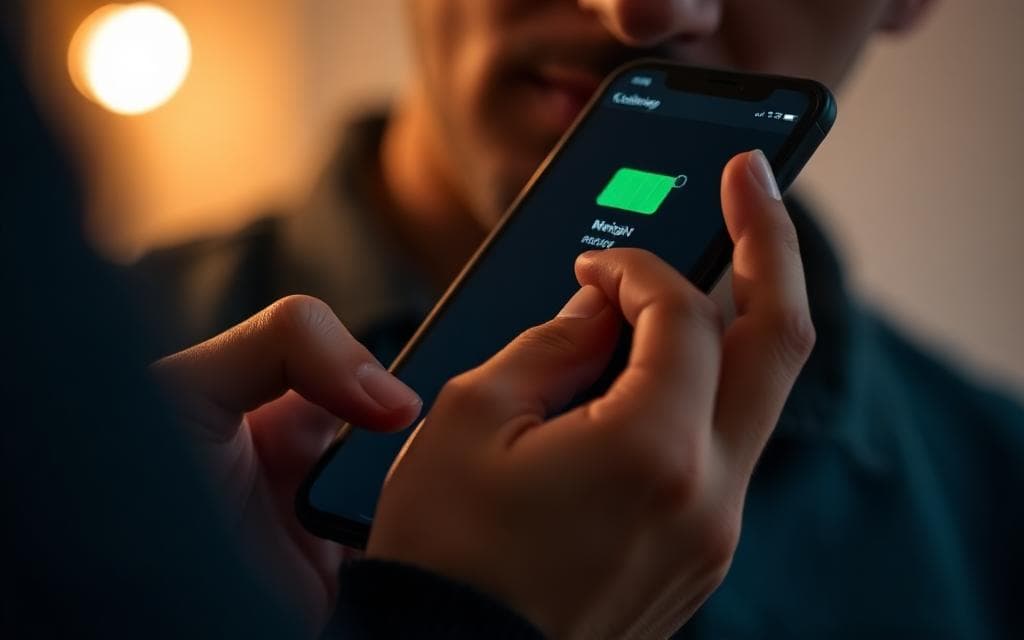
Few things are more frustrating than plugging in your phone and realizing it is not charging. If your charging port is not working, your phone may fail to charge, charge slowly, or only work at certain angles. Since smartphones are essential for communication, work, and entertainment, a phone not charging problem can quickly become a major inconvenience.
Charging port issues are very common and can affect Android phones, iPhones, and tablets. The good news is that many charging problems can be fixed with simple troubleshooting steps before considering a repair.
This guide explains why your charging port stops working, how to fix it, and when you may need professional help. For broader battery symptoms, see common battery issues in phones.
Why Your Charging Port Is Not Working
There are several possible reasons why your phone charging port stops working. Some issues are related to software, while others involve hardware damage.
Understanding the cause is the first step toward fixing it.
Common Reasons Your Phone Is Not Charging
1. Software Glitches
Sometimes the problem is not the charging port itself but a temporary software bug.
Signs of a software charging problem:
- The phone only charges when powered off.
- Battery percentage freezes while charging.
- The phone does not recognize the charger.
Quick fix: Restart your phone or install the latest software update—updates often fix battery and charging bugs. Samsung’s battery and power documentation is a useful reference for Galaxy users seeing odd behavior.
2. Dust or Debris in the Charging Port
One of the most common reasons a charging port is not working is dust buildup.
Over time, pocket lint, dust, and small particles accumulate inside the charging port. This prevents the charging cable from making proper contact.
Signs of a dirty charging port:
- The charger only works at certain angles.
- The phone keeps disconnecting while charging.
- The charging port appears clogged.
Quick fix: Carefully clean the charging port using a wooden toothpick, compressed air, or a soft brush. Avoid metal objects that can damage delicate pins.
3. Faulty Charging Cable or Adapter
In many cases, the issue is not the phone but the charger itself.
How to check your charger:
- Try another charging cable or adapter.
- Test the charger on another phone.
- Look for frayed wires or bent connectors.
Using a certified charger is recommended for safe charging and better battery health—see our tips for healthy phone battery habits.
4. Physical Damage to the Charging Port
If your phone has been dropped or bent, the charging port may be damaged.
Signs of a damaged charging port:
- Charger feels loose inside the port.
- Phone charges only when held at a certain position.
- Bent or broken pins inside the port.
In this situation, the charging port may need replacement by a qualified technician.
5. Water or Moisture in the Charging Port
Water damage can cause a phone not charging issue. Many smartphones disable charging if they detect moisture inside the port.
Signs of moisture damage:
- A warning message about moisture detected.
- Visible water inside the charging port.
- Phone charges wirelessly but not with a cable.
Quick fix: Turn off the phone immediately, allow it to air dry for several hours, and place it near a fan to speed drying. Avoid rice—it can leave dust inside the port.
Step-by-Step Guide to Fix a Charging Port Not Working
If your phone is not charging, follow these troubleshooting steps before seeking repair.
Step 1: Test Another Charger
Start by testing a different cable and adapter. Many charging issues are caused by faulty accessories rather than the phone itself. If another charger works, your original cable is likely the problem.
Step 2: Clean the Charging Port
Dust and debris are one of the most common reasons a charging port stops working. Use a flashlight to inspect the port and gently remove any lint or dirt using safe tools. A clean port often restores normal charging immediately.
Step 3: Restart Your Phone
A simple restart can fix temporary system errors affecting charging.
- iPhone: Press and hold the side button and volume button until the Apple logo appears (steps vary by model).
- Android: Hold the power button and select Restart.
Step 4: Check for Water Damage
If the phone was recently exposed to water or humidity, moisture may be blocking charging. Allow the phone to dry completely before plugging it in again.
Step 5: Inspect for Physical Damage
Look closely at the charging port. If you see bent pins, corrosion, or looseness, the port may be physically damaged and require replacement.
Step 6: Try Wireless Charging
If your phone supports wireless charging, try a Qi charging pad. If wireless works but cable charging does not, the problem is likely with the port hardware.

Expert Tips to Prevent Charging Port Problems
- Keep the port clean — Regularly check for dust and remove lint buildup.
- Avoid cheap cables — Low-quality chargers can damage the port and battery over time.
- Do not force the connector — Forcing the cable can bend internal pins.
- Protect from water — Moisture is a leading cause of charging port failure.
- Minimize movement while plugged in — Excessive wiggling can loosen the port over time.
When to Replace Your Charging Port
If none of the troubleshooting steps work, the charging port may be permanently damaged.
You may need a replacement if:
- The charger constantly falls out.
- Charging only works at certain angles.
- The phone refuses to charge with multiple chargers.
- The charging port appears damaged.
A professional technician can replace the charging port and restore normal charging functionality.
Interactive diagnostic
Walk through this flow to narrow down whether the issue is cable, port, software, or moisture:
Phone Diagnostic Flow
Answer questions to diagnose your charging issue
What's happening with your phone?
Conclusion
A charging port not working can prevent your phone from charging and disrupt your daily routine. Fortunately, many problems are caused by simple issues like dust buildup, faulty chargers, or software glitches.
By cleaning the charging port, testing different chargers, and restarting your phone, you can often solve the problem without repair. If the issue continues, the charging port may need professional replacement.
Understanding these causes helps you keep your device working properly and complements the broader care advice in battery issue in phone.
Frequently Asked Questions

Written by
BBGuides Editorial Team
Our team of battery experts researches and tests every guide to ensure accuracy. We're committed to helping you get the most out of your phone, laptop, and solar batteries.