Can a Laptop Work Without a Battery? Everything You Need to Know
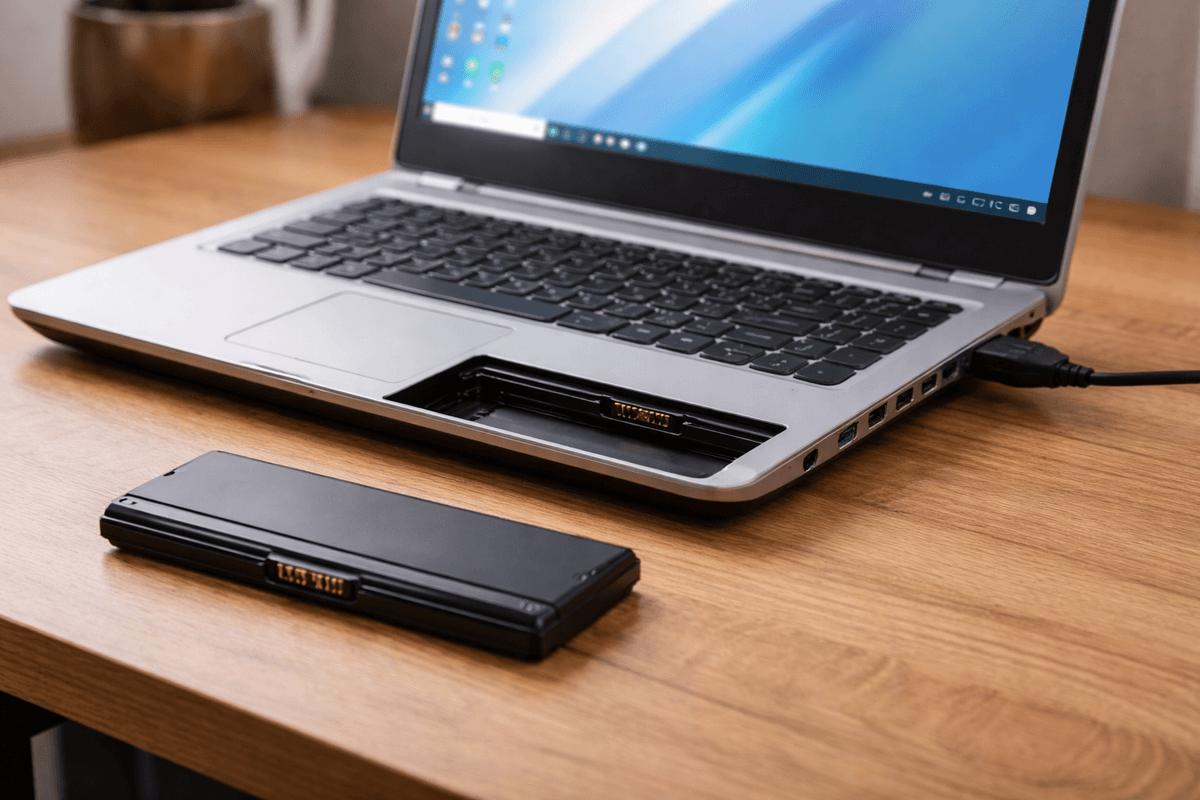
Table of Contents
- How Does a Laptop Actually Get Its Power?
- Can a Laptop Run Without a Battery While Plugged In?
- The Biggest Risk of Running a Laptop Without a Battery
- Which Laptops Can Run Without a Battery?
- Does Removing the Battery Affect Laptop Performance?
- Can All Laptop Chargers Power a Laptop Alone Without a Battery?
- Is It Bad for Your Laptop to Run Without a Battery Long Term?
- What to Do If Your Laptop Battery Is Dead or Damaged
- Running a Laptop Without a Battery — Practical Scenarios
- How to Safely Remove a Laptop Battery
- Final Thoughts
If you have ever had a dead or swollen laptop battery and wondered whether you could just remove it and keep using your laptop plugged into the wall, you are not alone. It is one of those questions that sounds simple on the surface but actually has a lot more going on underneath. The short answer is yes, in most cases a laptop can work without a battery as long as it is connected to a power outlet. But as with most things in the tech world, the full picture is a bit more nuanced than that.
In this guide we are going to walk you through everything you need to know about running a laptop without a battery, whether it is safe to do so, what the risks are, which laptops support it, and what you should consider before pulling that battery out for good.
How Does a Laptop Actually Get Its Power?
To understand whether a laptop can run without a battery, it helps to first understand how a laptop gets its power in general. A laptop is designed to run on two possible power sources. The first is its internal battery, which stores electrical energy and releases it to power the system when no external power is available. The second is direct AC power from your wall outlet, which flows through your charger and gets converted into the DC voltage your laptop needs to operate.
When your laptop is plugged in and the battery is also present, most modern laptops draw power primarily from the charger while simultaneously keeping the battery topped up. The battery in this scenario acts almost like a backup reservoir. But when you remove the battery entirely and plug the laptop directly into the wall, the charger becomes the sole power source and the laptop runs directly off that incoming power.
This setup works for most laptops but there are some important things to keep in mind before you make that decision.
Can a Laptop Run Without a Battery While Plugged In?
Yes, the vast majority of laptops can run without a battery as long as they are connected to a compatible power adapter and a working wall outlet. The operating system loads, programs run, and everything functions just as it normally would. From a pure functionality standpoint, you will not notice much difference during normal use.
This is actually a fairly common situation for people who use their laptops primarily at a desk and whose battery has either stopped holding a charge, started swelling, or simply died after years of use. Rather than spending money on a replacement battery right away, many users simply remove the faulty battery and continue working plugged in.
However, there is a very important catch to this setup that you need to be aware of, and it is something many people do not think about until it is too late.
The Biggest Risk of Running a Laptop Without a Battery
Here is the thing about running your laptop without a battery. The battery in your laptop does not just store energy for when you are away from an outlet. It also acts as a power buffer that protects your laptop and your data in the event of a sudden power disruption. Think about what happens if someone trips over your power cord, if there is a brief power outage, or if your power adapter glitches for even a fraction of a second. With a battery installed, your laptop barely notices. It seamlessly switches to battery power and keeps running without any interruption.
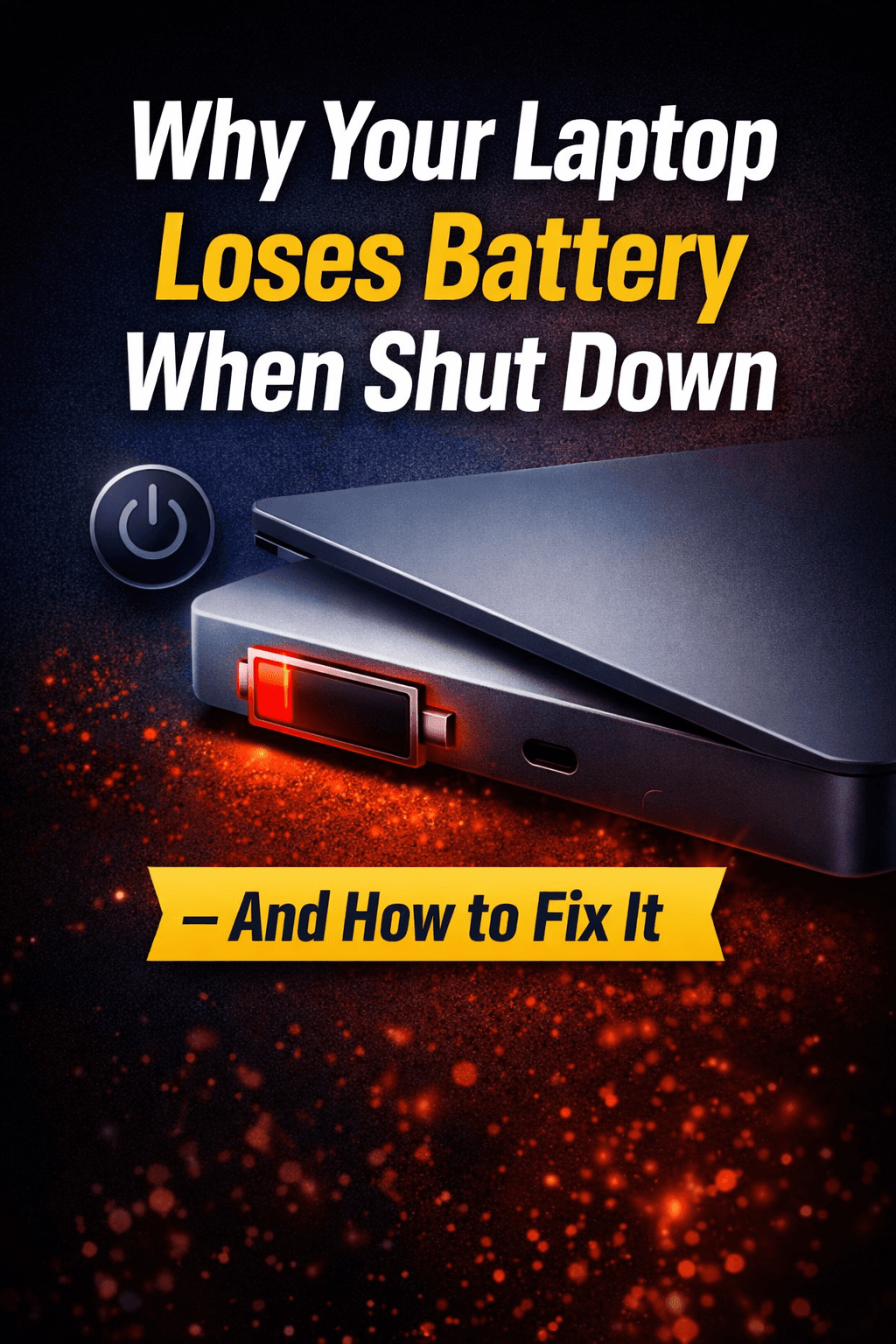
Without a battery, even the briefest power interruption means your laptop shuts off instantly and completely without any warning whatsoever. This is like pulling the power cord out of a desktop computer without shutting it down first. It can cause file corruption, loss of unsaved work, and in some cases damage to your operating system or storage drive. If this happens repeatedly over time, the long-term health of your hard drive or SSD can be affected.
So while running a laptop without a battery is absolutely possible, it comes with a very real vulnerability that you need to factor into your decision.
Which Laptops Can Run Without a Battery?
Most traditional laptops with a removable battery design can run without a battery as long as a power adapter is connected. This includes older style laptops from brands like Dell, HP, Lenovo, and Asus where the battery slides in and out of the back or bottom panel.
However, the situation is different for modern ultrabooks and thinner laptops where the battery is soldered or glued directly to the motherboard. In these cases the battery is not designed to be removed without professional tools and technical knowledge. Attempting to remove an integrated battery yourself can cause serious damage to the device and will almost certainly void your warranty.
Some laptops will also display a warning message or refuse to operate at full performance when no battery is detected, even if they are plugged into a power source. This is because the charger alone may not always be enough to handle sudden spikes in power demand, for example when you are running a demanding application or charging other devices through USB ports. The battery normally handles these spikes and without it the system may throttle performance to stay within the safe power limits of the adapter alone.
Does Removing the Battery Affect Laptop Performance?
In some cases yes, removing the battery can affect how your laptop performs, particularly under heavy load. When you push a laptop hard, for example by running video editing software, playing games, or compiling large amounts of code, the system may temporarily demand more power than the charger can supply on its own. When a battery is present it contributes to meeting that peak demand. Without a battery, the laptop may reduce its processor and graphics performance to stay within the limits of the charger's output.
This performance throttling is a safety mechanism built into the laptop's power management system. It is designed to prevent the laptop from drawing more power than the adapter can safely supply. For light tasks like writing, browsing, or streaming video, you are unlikely to notice any difference. But for power-intensive work, you might find that your laptop feels slightly slower without a battery than it does with one installed.
Can All Laptop Chargers Power a Laptop Alone Without a Battery?
Not all chargers are created equal and this matters a lot when you are running a laptop without a battery. A charger that is underpowered for your specific laptop may struggle to keep up with the demands of the system on its own. When a battery is present, it compensates for the gap between what the charger supplies and what the system needs. Without that buffer, an undersized charger may cause the laptop to perform inconsistently or even fail to power on at all.
Always make sure you are using the original charger that came with your laptop or a high quality replacement that matches the exact voltage and wattage specifications of your laptop model. Using a charger with lower wattage than required is even more problematic when running without a battery because there is nothing else to fill the power gap.
Is It Bad for Your Laptop to Run Without a Battery Long Term?
Running a laptop without a battery for short periods or as a temporary solution is generally fine and will not cause any lasting damage to the laptop itself. However, if you plan to use your laptop without a battery for months or years, there are a few long-term considerations worth thinking about.
First, as mentioned earlier, the risk of sudden power loss and data corruption is always present. This becomes more concerning over time especially if you are working with important files or projects. Investing in a UPS, which stands for Uninterruptible Power Supply, can help mitigate this risk by providing a brief backup power window in case of an outage, giving you time to save and shut down safely.
Second, some laptop models may not function optimally over the long term without a battery because the battery plays a role in regulating stable power delivery to sensitive internal components. Without that regulation, some components might experience slightly more voltage fluctuation than they are designed to handle over extended periods.
Third, if your laptop is older and you are running it without a battery simply because the battery has died, it is worth considering whether a replacement battery might be a more practical long-term solution than dealing with the constant risk of unexpected shutdowns.
What to Do If Your Laptop Battery Is Dead or Damaged
If your laptop battery has completely stopped holding a charge, has started swelling, or is otherwise unusable, you have a few options. The first is to simply remove it and run your laptop plugged in as described throughout this article, accepting the limitations that come with that approach. The second option, and often the more practical one for long-term use, is to replace the battery with a compatible new one.
If your laptop has a user-removable battery, replacing it is usually straightforward and affordable. You can find compatible replacement batteries for most laptop models from reputable third-party suppliers. Always make sure the replacement battery matches the original specifications including voltage, capacity, and connector type.
If your laptop has a built-in non-removable battery that has degraded, it is best to take it to a professional technician for replacement rather than attempting to do it yourself. Improper removal of an integrated battery can cause damage to other components and in the case of lithium batteries, even create a safety hazard.
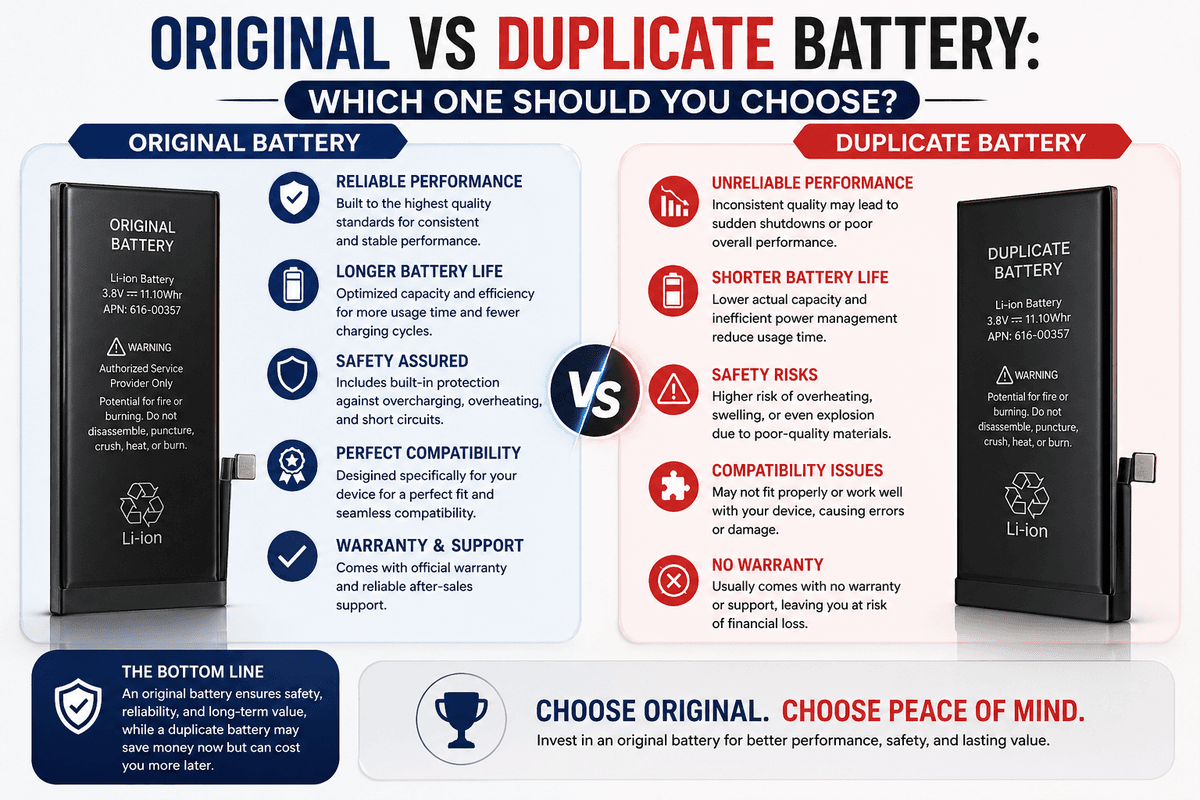
Never continue using a visibly swollen or damaged battery inside your laptop. A swollen battery takes up more physical space than it should and can press against other internal components, potentially causing serious damage or even a fire risk. Remove it safely and dispose of it at an official battery recycling point.
Running a Laptop Without a Battery — Practical Scenarios
There are some situations where running a laptop without a battery makes complete practical sense and poses minimal risk. If you are using your laptop strictly as a desktop replacement where it never moves, is always plugged into a reliable power source, and you are connected to a UPS for protection against outages, then removing a dead or degraded battery is a perfectly reasonable solution while you wait for a replacement.
Similarly, if you are using a laptop for a fixed purpose like running a home server, a media player, or a smart home dashboard where it stays in one place and is always plugged in, removing a failing battery and running on direct power is not a problem at all as long as you account for the power continuity issue.
However, if you use your laptop on the go, take it to different locations, or work on tasks where losing your work suddenly would be a serious problem, running without a battery is a risk that is generally not worth taking. In those cases, replacing the battery is strongly recommended.
How to Safely Remove a Laptop Battery
If you have decided to remove your laptop battery, whether temporarily or for the long term, do it carefully and correctly. Start by shutting down your laptop completely. Do not just close the lid or put it to sleep. Fully power it off. Unplug the power adapter as well before you begin.
For laptops with external battery compartments, locate the battery release latch on the bottom of the laptop. Slide or press the latch and gently slide the battery out. Avoid pulling it forcefully. Store the removed battery in a cool, dry place at around 40 to 75 percent charge if you plan to reuse it later.
For laptops where the battery is internal but still technically removable with a screwdriver, it is advisable to watch a model-specific tutorial or consult a technician unless you are comfortable with laptop hardware. And as mentioned earlier, for ultrabooks and slim laptops where the battery is fully integrated, do not attempt removal yourself.
Final Thoughts
So can a laptop work without a battery? Absolutely yes. Most laptops are perfectly capable of running on direct power from a wall outlet with no battery installed. But it is not without its drawbacks. The loss of the battery as a power buffer means any interruption to your power supply will immediately shut your laptop down with no warning, putting your data and your system at risk.
For occasional or temporary use, running without a battery is a practical solution, especially if your current battery is dead or damaged. But for reliable everyday use, having a working battery installed is always the better and safer option. If your battery has given up on you, the smartest move is to get it replaced with a compatible, quality battery as soon as possible.
For more honest and practical guides on laptop batteries, power banks, chargers, and everything in between, keep visiting bestbatteryguide.com where we break down the complicated stuff and make it simple for everyone.
Try Our Battery Cycle Life Calculator
Estimate remaining battery cycle life and replacement timing.
Battery Cycle Life Calculator
Estimate remaining cycles and replacement timeline
Device
Usage & Health

Written by
BatteryGuides Editorial Team
Our team of battery experts researches and tests every guide to ensure accuracy. We're committed to helping you get the most out of your phone, laptop, and solar batteries.