Does Turning Off Phone Save Battery? The Honest Answer
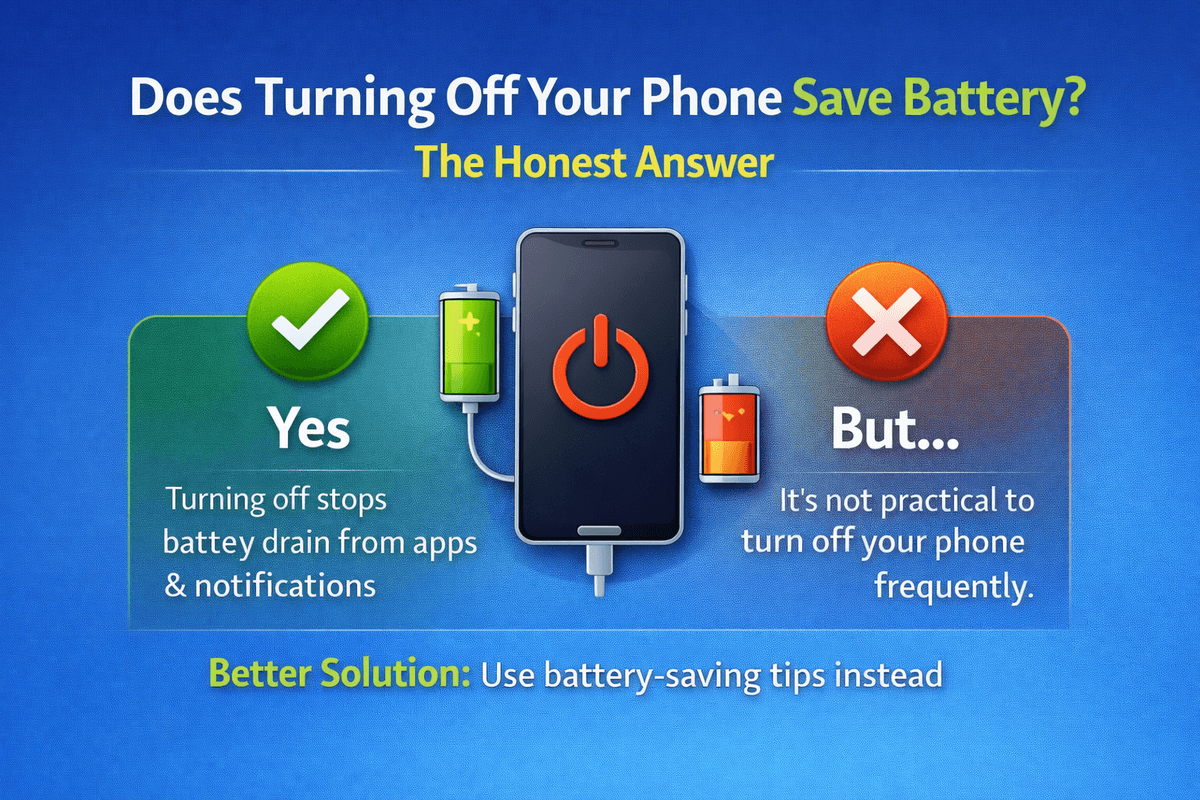
Table of Contents
- How Your Phone Uses Battery Even When You Are Not Using It
- Does Turning Off Your Phone Save Battery?
- When Does Turning Off Your Phone Make the Most Sense?
- Turning Off vs Airplane Mode vs Low Power Mode
- Does Turning Your Phone Off and On Frequently Damage the Battery?
- Other Smart Habits to Save Phone Battery
- Final Thoughts
It is one of those questions that almost every smartphone user has wondered about at some point. Does turning off your phone actually save battery? Or is it just an old habit that does not really make a difference anymore?
The short answer is yes, turning off your phone does save battery. But the full picture is a little more interesting than that, and understanding it will help you make smarter decisions about how you manage your phone every single day.
How Your Phone Uses Battery Even When You Are Not Using It
Most people assume that when they put their phone down and walk away, it stops doing anything. That is far from the truth.
Even when your screen is off and your phone is sitting idle, it is constantly working in the background. It is checking for new emails, syncing apps, refreshing social media feeds, searching for WiFi networks, maintaining a Bluetooth connection, and running dozens of small background processes that you never even see.
All of that activity draws power from your battery. It might not be a huge drain in a single hour, but over the course of a full day it adds up to a noticeable amount of battery usage.

Does Turning Off Your Phone Save Battery?
Yes, it does. When your phone is completely turned off, every single one of those background processes stops. There are no notifications being fetched, no apps syncing, no network connections being maintained. The battery drain drops to nearly zero.
So if you are in a situation where you need to preserve as much battery as possible, turning your phone off is one of the most effective things you can do.
Think about it this way. If your phone loses around 10 to 15 percent of battery overnight just sitting on your nightstand in standby mode, turning it off completely would bring that number down to almost nothing. Over time, that kind of saving really does make a difference.
When Does Turning Off Your Phone Make the Most Sense?
Turning your phone off every hour is not practical or necessary, but there are certain situations where it genuinely makes sense.
When you are sleeping. If you do not need your phone through the night and you are not expecting any important calls, turning it off is a great way to preserve battery and also give yourself a break from screen time.
When you are in a low signal area. This is one that most people overlook. When your phone is in an area with weak or no signal, it works significantly harder to find and connect to a network. That process drains your battery much faster than normal. Turning your phone off in these situations saves a lot of power.
When you are traveling and do not need connectivity. On long flights or during long drives through areas with no signal, turning your phone off instead of leaving it on airplane mode can squeeze out even more battery savings.
When your battery is critically low. If you are at 5 or 10 percent and you need to make your battery last as long as possible, turning your phone off and only turning it back on when you need to make a call or send a message is a smart move.
Turning Off vs Airplane Mode vs Low Power Mode
These are three different options that people often compare, and they each serve a slightly different purpose.
Turning your phone off completely stops all activity and gives you the maximum battery saving. The downside is that you are completely unreachable and you miss all notifications while it is off.
Airplane mode cuts off all wireless connections including cellular, WiFi, and Bluetooth. It saves a significant amount of battery without fully shutting the phone down. You can still use offline features like the camera, notes, or downloaded music.
Low power mode reduces background activity, lowers screen brightness, and limits certain features to stretch out your remaining battery. It is the most convenient option because your phone remains fully functional and connected, just a bit slower.
If saving battery is your main goal, turning off your phone is the winner. If staying partially reachable is important, airplane mode is the next best thing. Low power mode is ideal for everyday battery management when you are running low.

Does Turning Your Phone Off and On Frequently Damage the Battery?
This is a fair concern. Some people worry that constantly powering their phone on and off puts extra stress on the battery.
The truth is that the startup process does use a small burst of power, but it is not significant enough to cause any real damage. Modern smartphones are designed to handle regular power cycles without any issues.
In fact, many tech experts actually recommend restarting your phone at least once a week. It clears out temporary files, refreshes the system, and can even help improve overall battery performance over time.
Other Smart Habits to Save Phone Battery
Turning your phone off when needed is a great tool, but it works even better when combined with a few other simple habits.
Lowering your screen brightness makes a noticeable difference since the display is usually the biggest drain on your battery. Turning off location services for apps that do not genuinely need them is another easy win. Disabling push notifications for non essential apps reduces how often your phone wakes up and processes data. Keeping your apps updated also helps because developers regularly release updates that improve efficiency and fix bugs that may be causing unnecessary battery drain.
Final Thoughts
So does turning off your phone save battery? Absolutely. It is one of the simplest and most effective ways to preserve your battery, especially in situations where you know you will not need your phone for a while or when you are in a low signal area.
You do not need to make it a constant habit, but knowing when to use it and understanding how your phone consumes power even in standby mode puts you in a much better position to manage your battery life smartly.
Small habits, done consistently, make a real difference in the long run.
For more battery tips, guides, and honest recommendations, visit bestbatteryguide.com
Try Our Battery Health Checklist
Run a quick health check to spot early battery problems.
Battery Health Checklist
Answer 8 quick questions to diagnose your battery
Does your battery drain from 100% to 0% in less than 6 hours with normal use?
Frequently Asked Questions

Written by
BatteryGuides Editorial Team
Our team of battery experts researches and tests every guide to ensure accuracy. We're committed to helping you get the most out of your phone, laptop, and solar batteries.


